STEP #1:
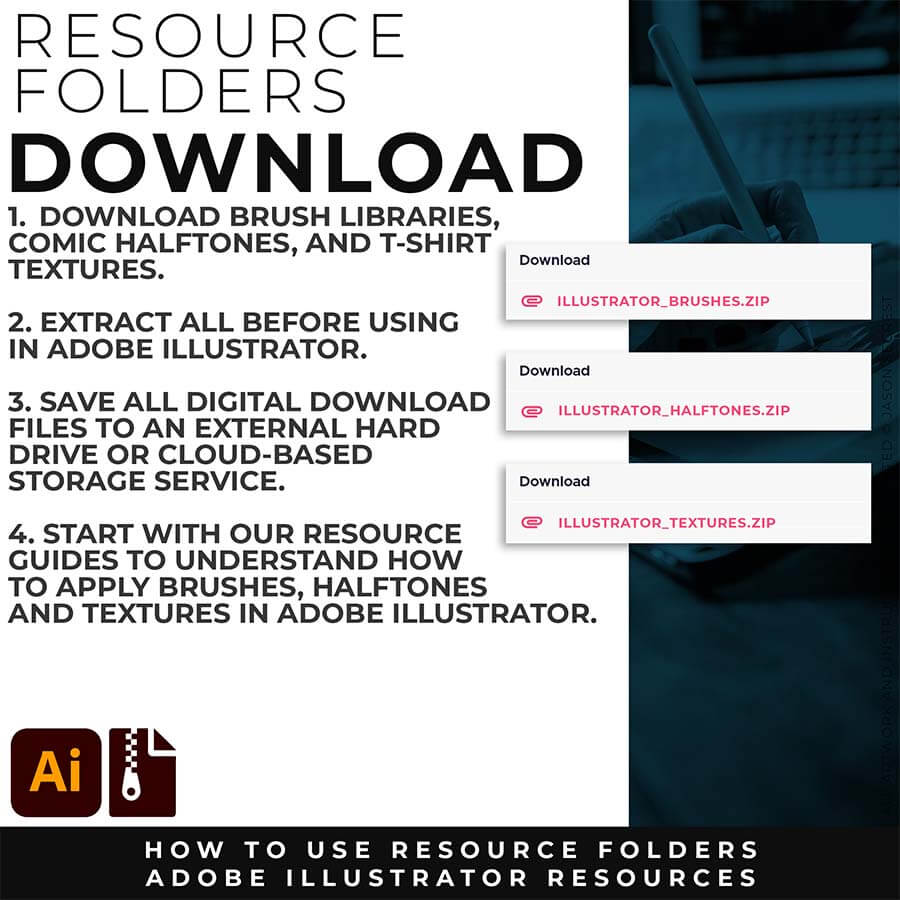
Download our Brush Libraries, Comic Halftones, and BMP Textures. Adobe Illustrator Halftones and Textures will come to you as Zipped Folders. Extract All before using in Adobe Illustrator.
STEP #2:
Once you have downloaded and extracted the folders, Brushes, Halftones, and Textures are ready to be used in Adobe Illustrator. Save all files to an external hard drive or cloud-based storage.
STEP #3:
After downloading, start with our Beginner and Resource Guides to understand how to apply Brush Libraries, Comic Halftones, and T-shirt Textures in Adobe Illustrator.
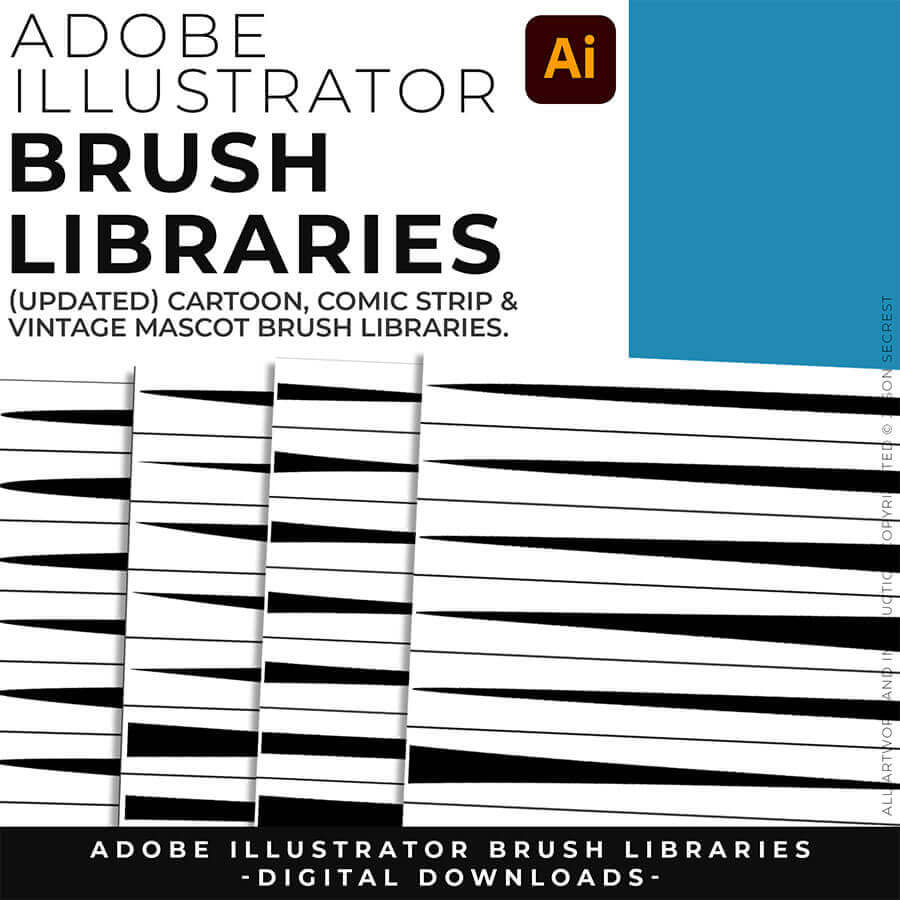
ADOBE ILLUSTRATOR BRUSH LIBRARIES: Brush Libraries will come to you as Zipped Folders. Once you have downloaded and extracted the Folders, the Brushes are ready to be used in Adobe Illustrator. Brush Libraries include our Cartoon, Comic Strip, and Vintage Mascot Brushes.
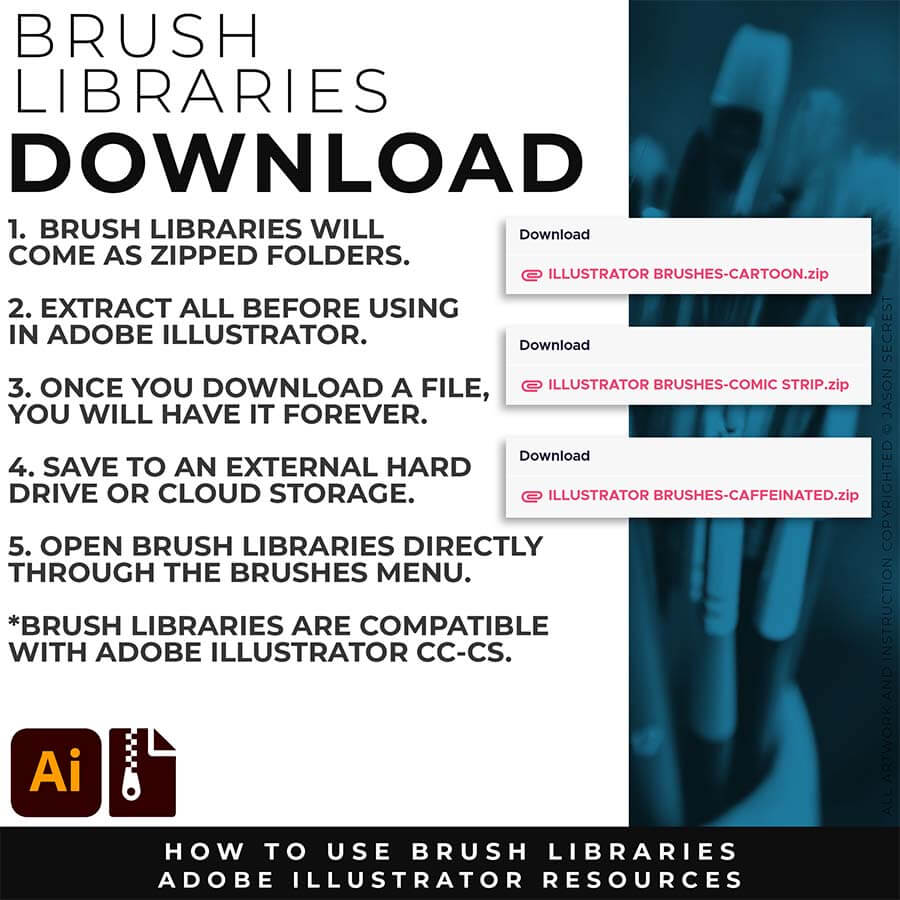
SAVING + OPENING BRUSHES: I recommend Saving Brush Libraries to your "User Defined" by clicking Save Brush Library in the Brushes Menu. To open Brushes, select “Open Brush Library.” Open Brush Libraries through the “User Defined” or “Other Library” Options in the Brushes Panel Menu.
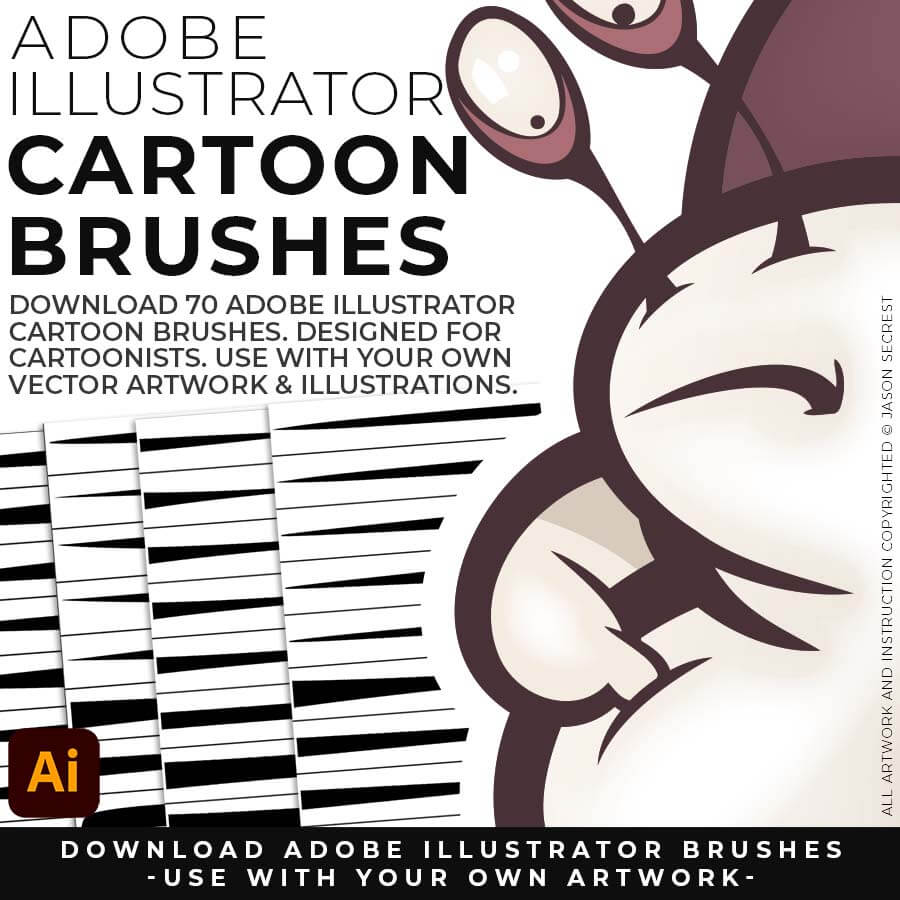
CARTOON BRUSHES: Cartoon Brushes are my go-to for Professional Logos, Cartoons, Mascots, and Branding. Use Cartoon Illustrator Brushes with the Pen, Pencil or Paint Brush Tools to Apply different Line Variation to your Vector Artwork. (includes Cartoon, Cartoon 2, and Original Cartoon Brush Libraries).
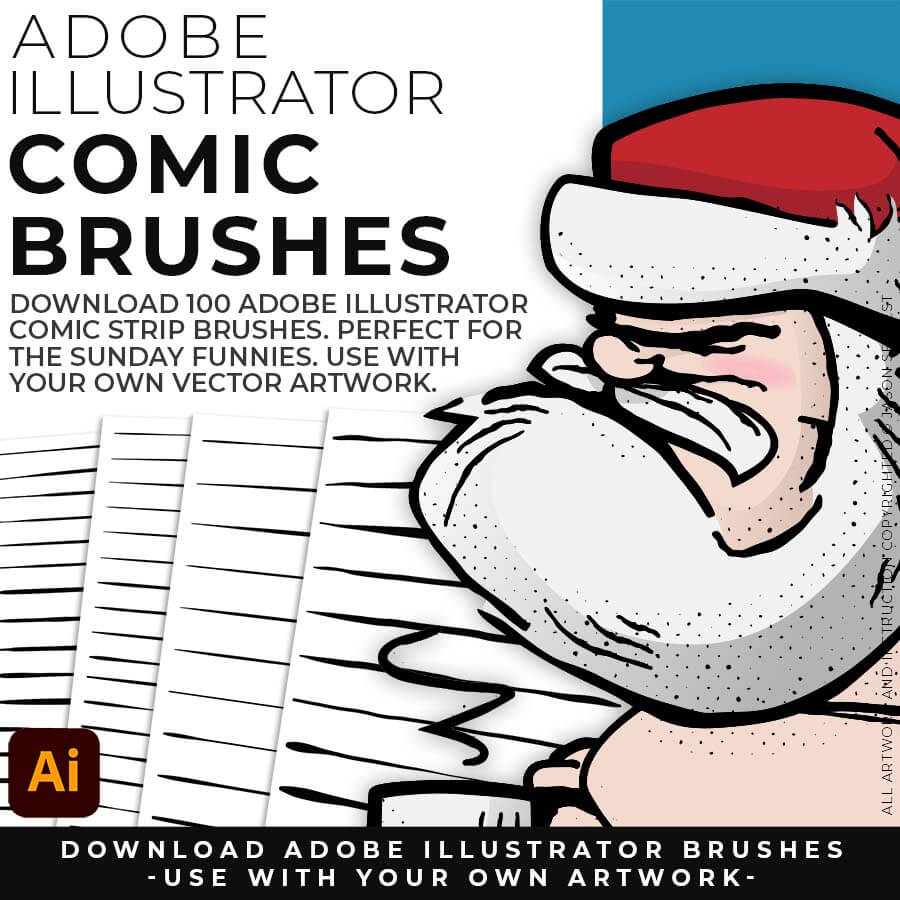
COMIC STRIP BRUSHES: Hand Painted + Comic Strip Brushes to get a lived-in feel back into your Vector Art. Comic Strips and Hand Painted are painted based on some of my favorite artists and cartoonists. These brushes are designed to look ready for the Sunday Paper. (includes Comic Strip, Hand-Painted, Paintbrush, and Fine Liner Brush Libraries).
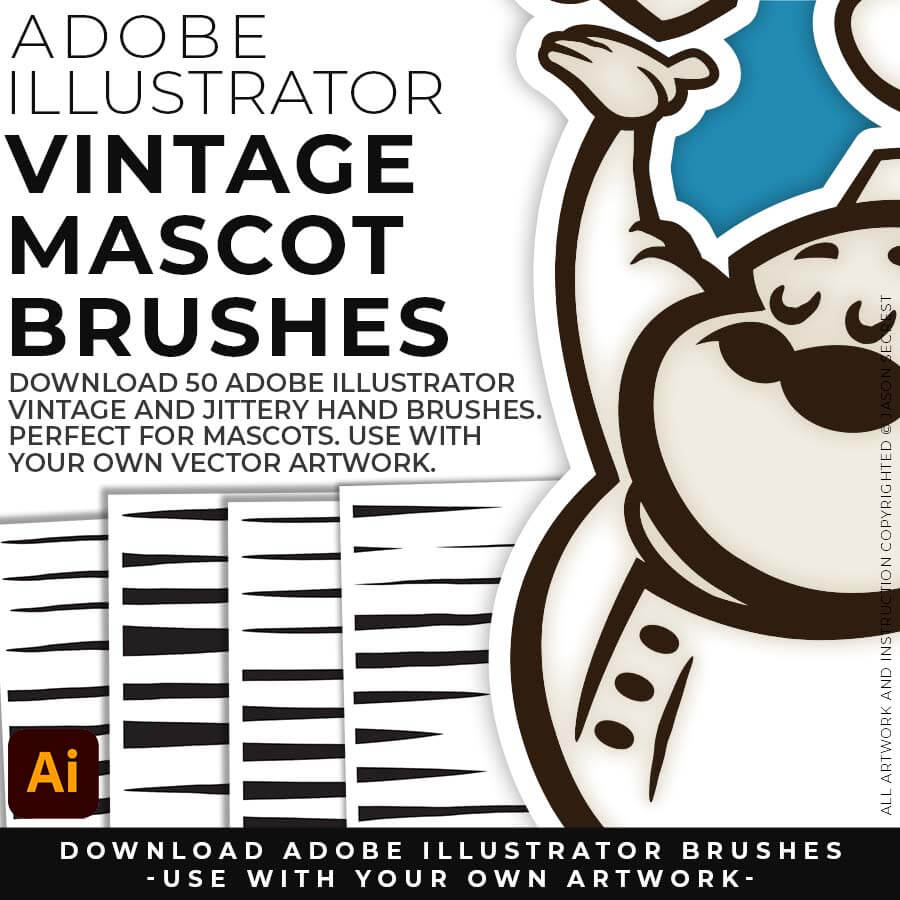
MASCOT BRUSHES: Jittery Hand, Caffeinated Cartoonist + Rough Ink Brushes to Mimic Paper Bleed and Caffeine. Designed to be a little less stiff with your vector art. Use these Brush Libraries to get more of a distressed look or ink bleed back in your own Vector Artwork. (includes Caffeinated Cartoonist, Rough Ink, and Jittery Hand Brush Libraries).
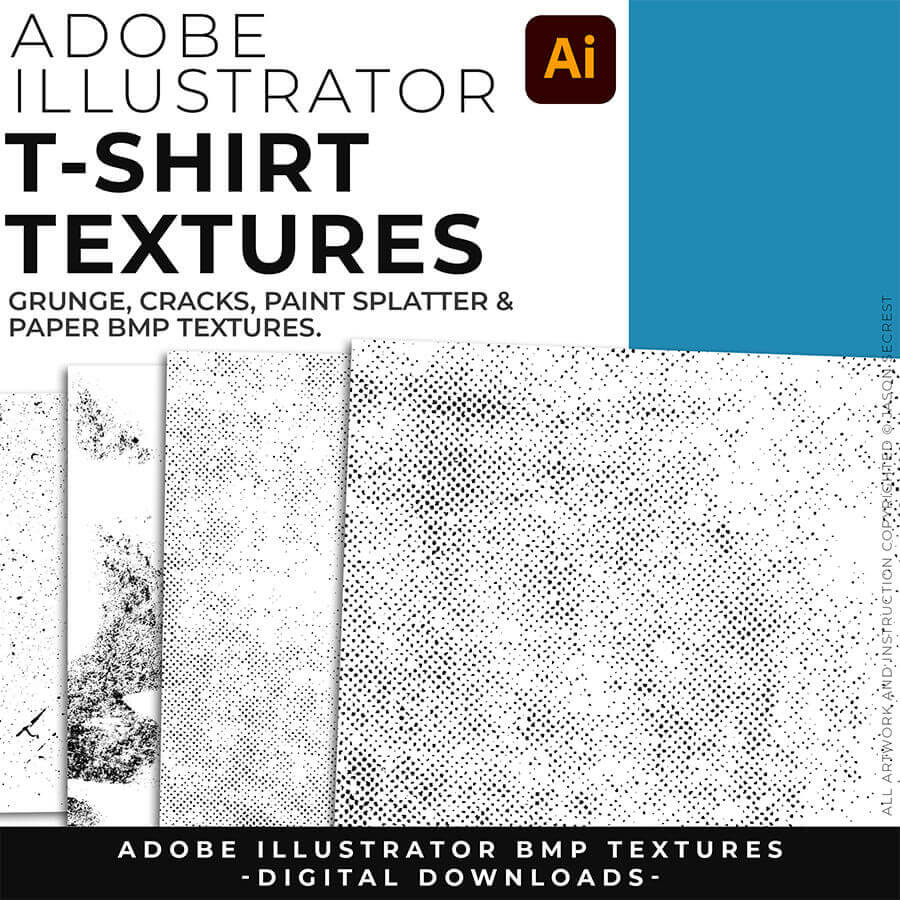
ADOBE ILLUSTRATOR BMP TEXTURES: BMP Textures will come to you as Zipped Folders. Once you have downloaded and extracted the Folders, the Textures are ready to be used in Adobe Illustrator. BMP Textures include our Cracks, Grunge Distressing, Paper, and Paint Splatter Textures.
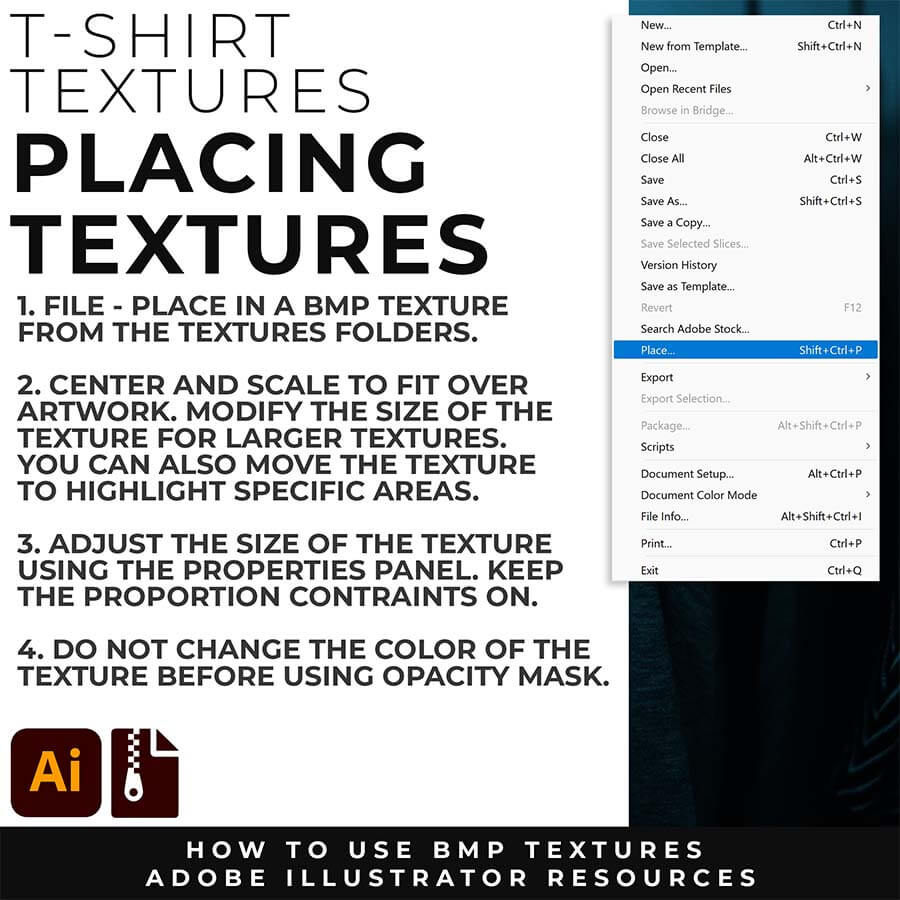
OPENING + APPLYING TEXTURES: BMP Textures are extremely easy to use even if you are new to Adobe Illustrator. There is no installation or saving needed to use BMP Textures. File - Place the Textures over your finished artwork to use with the Transparency Panel for Subtle Overlays or with Opacity Masks for T-Shirt Distressing.
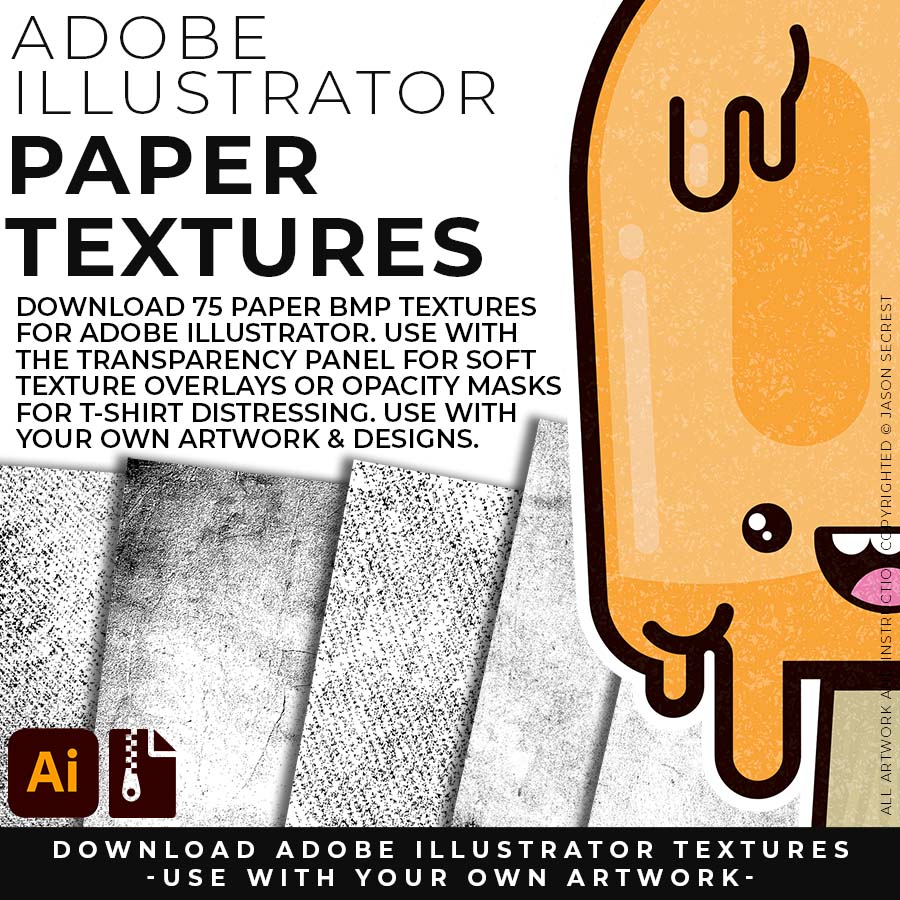
PAPER TEXTURES: Paper Textures to use along with the Transparency Panel to create soft texture overlays for your own original artwork. Use Textures with a combination of Color Swatches, Transparency, Blending Modes, and Clipping Masks to create a subtle texture overlay on your print or web exports. (includes Paper BMP Textures for Social Media Posts.)
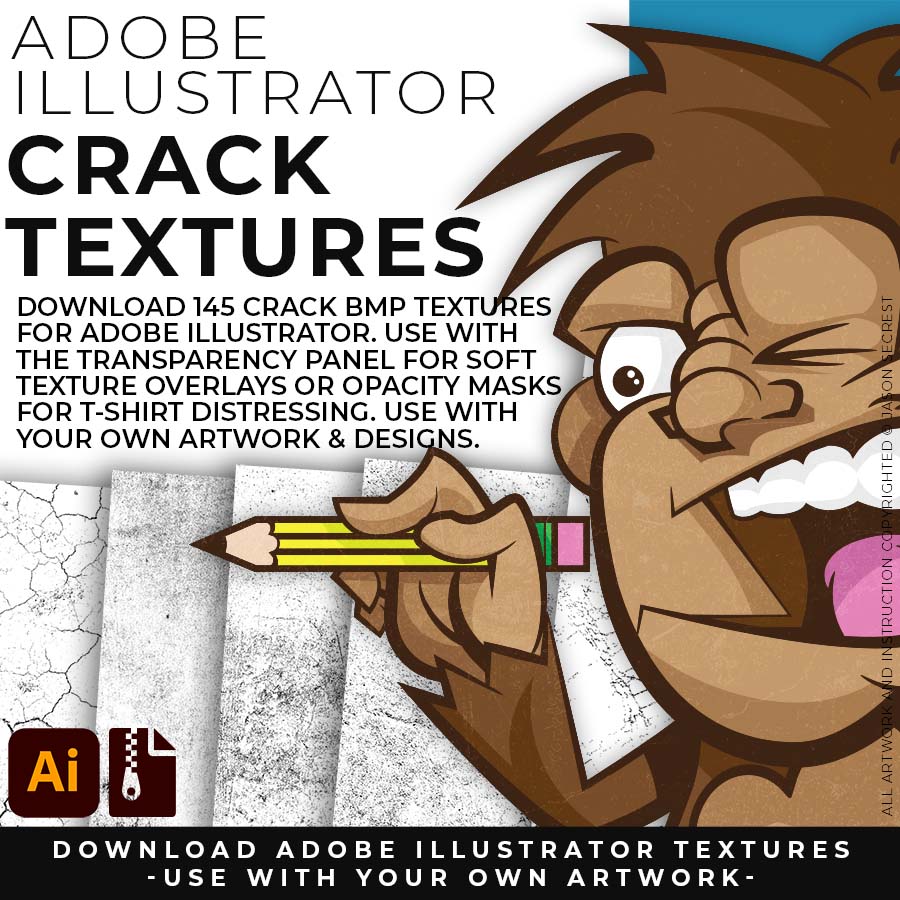
CRACK TEXTURES: Cracks and Distressing Textures to Apply Opacity Masks to your Own Original Artwork and T-shirt Designs. Use BMP Textures to apply Cracks and Distressing Effects to your Artwork and Designs by Applying Opacity or Transparency Masks for Adobe Illustrator. (includes Crack BMP Textures for T-Shirts.)
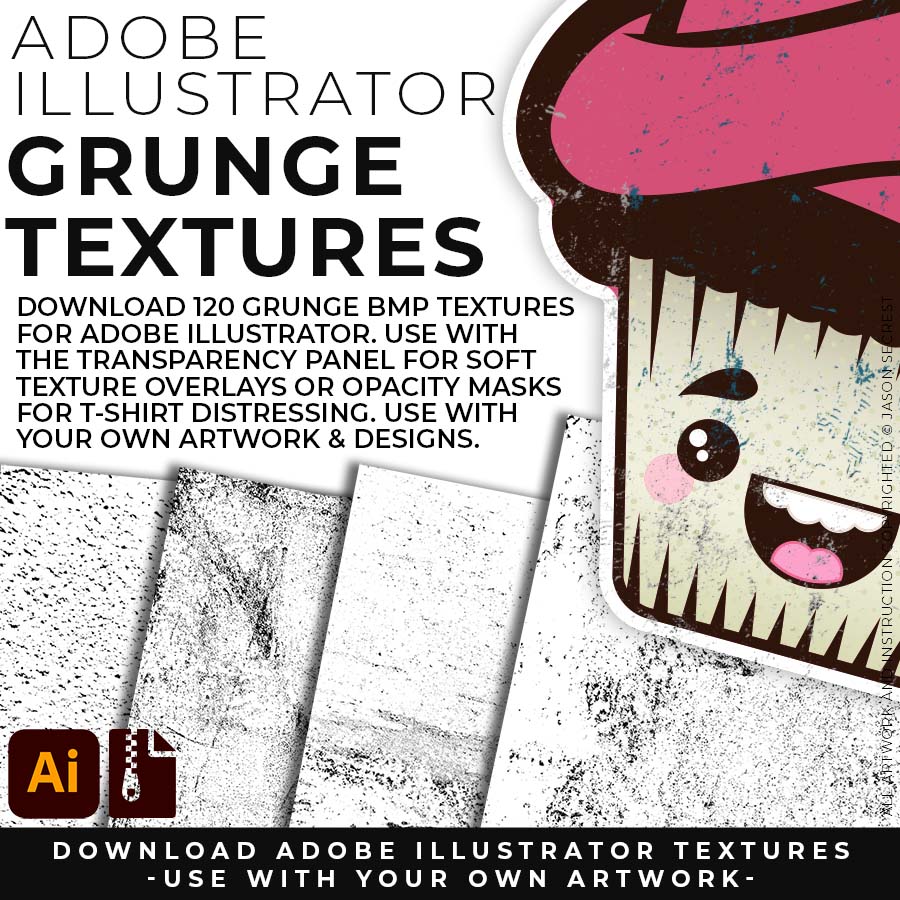
GRUNGE TEXTURES: Grunge Distressing Textures to Apply Opacity Masks to your Own Original Artwork and T-shirt Designs. Use BMP Textures to apply Grunge and Distressing Effects to your Artwork and Designs to use with the Transparency Panel and Opacity Masks for Adobe Illustrator. (includes Grunge BMP Textures for T-Shirts.)
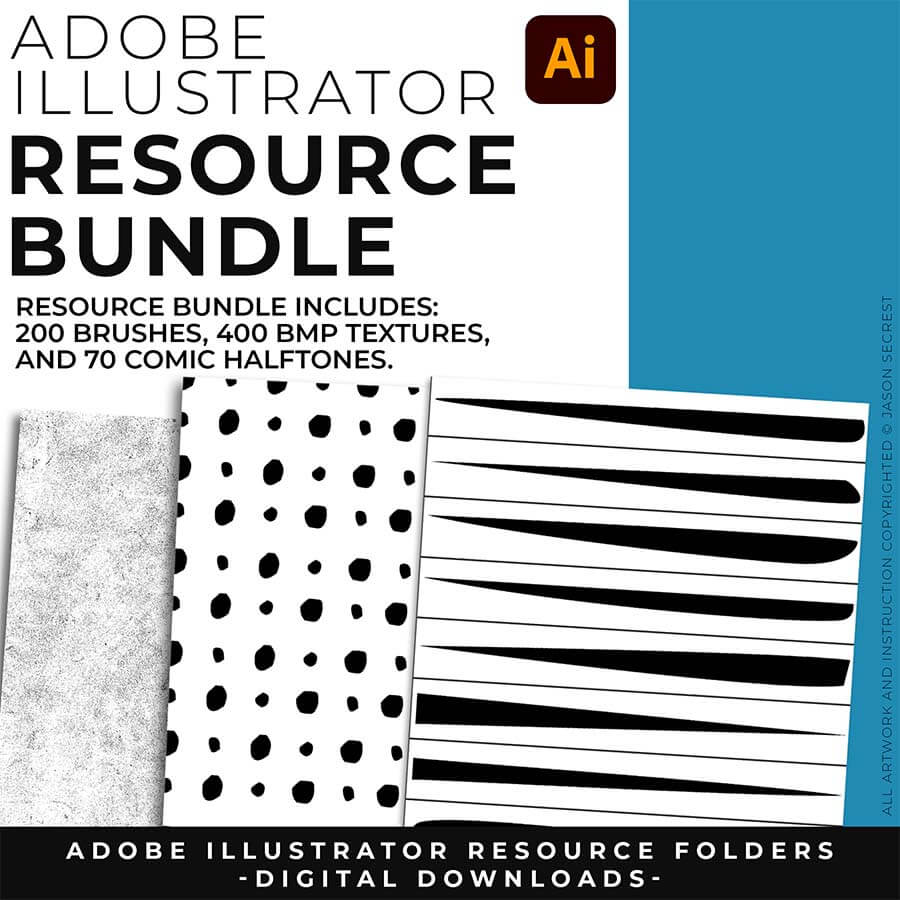
ADOBE ILLUSTRATOR COMIC HALFTONES: Comic Halftones will come to you as a Zipped Folder. Once you have downloaded and Extracted the Folder the Halftones are ready to be used in Adobe Illustrator. Compatible with CC-CS4. Halftones include our Comic Strip Halftone and Pattern Fills.
OPENING + APPLYING HALFTONES: Copy-Paste Halftones into a Working Artboard. Halftones will automatically populate the Swatches Panel. Halftones will act just like any other Color Swatch, you can select a Shape to apply. If you are new to Adobe Illustrator, I will recommend using the Blob Brush to paint in Comic Halftones.
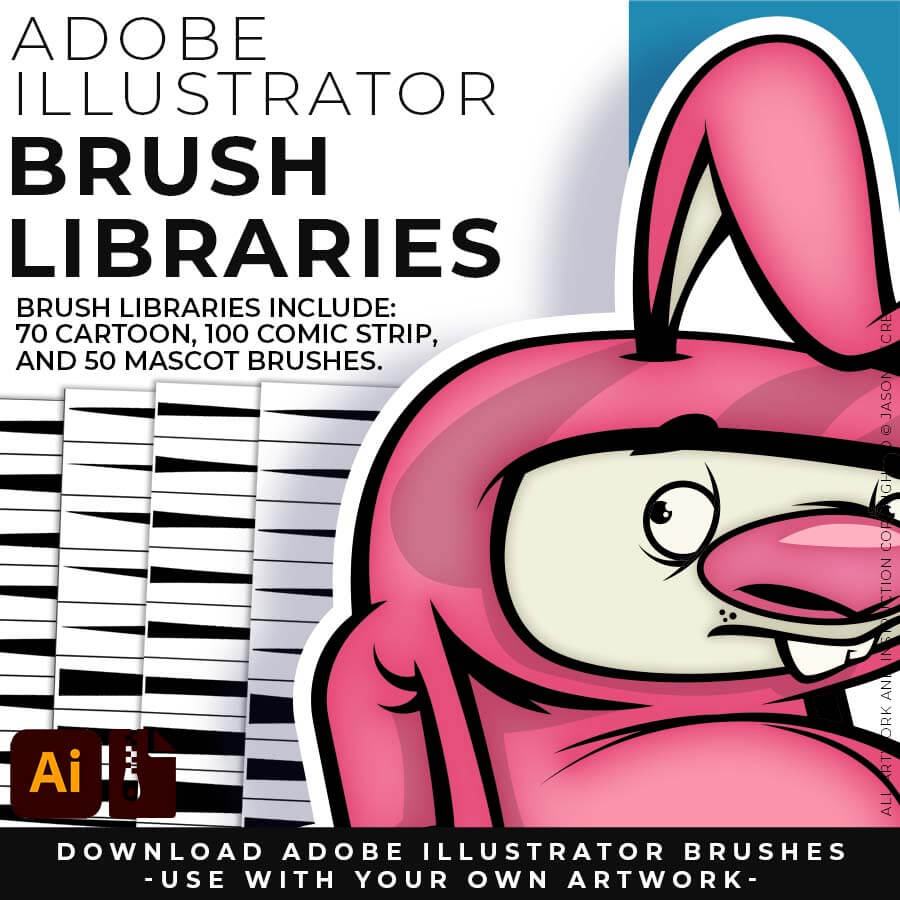
BRUSH LIBRARIES: Brush Libraries are specifically designed for Illustrators and Cartoonists to speed up their workflow. I have recently added more brushes and updated the Brush Libraries to allow for Pressure Sensitivity. Use Brush Libraries with Your Own Artwork. (includes our Cartoon, Comic Strip, or Vintage Mascot Brushes.)
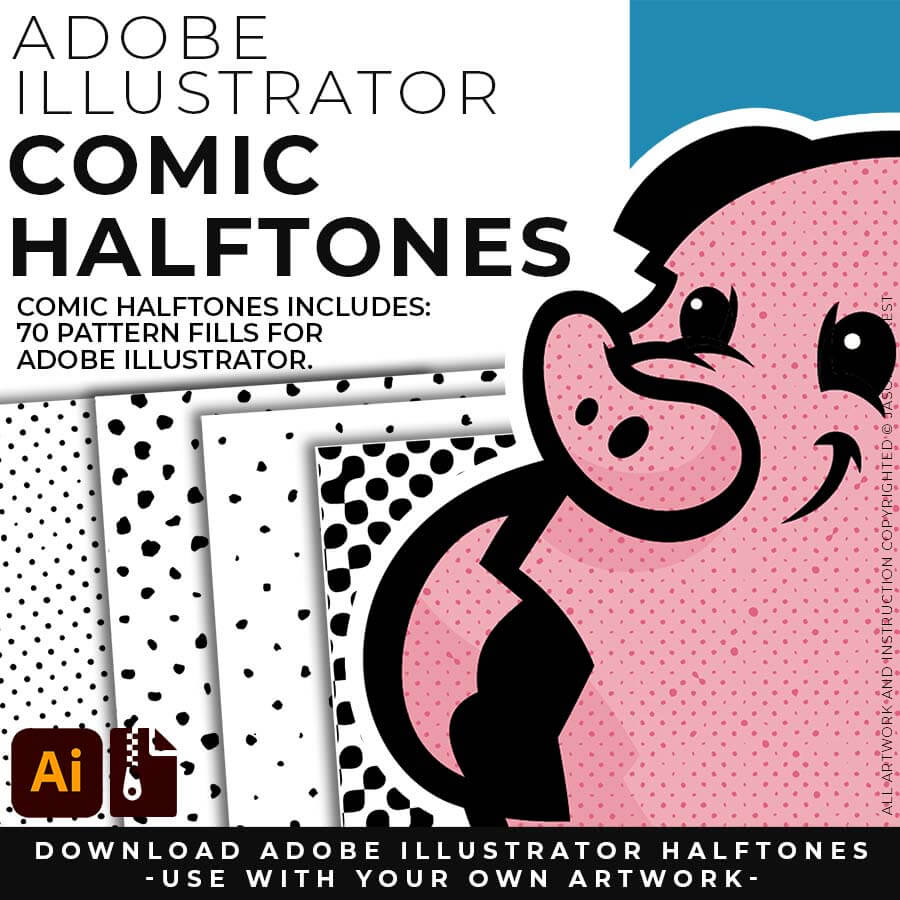
COMIC HALFTONES: Comic Halftones are designed for easy application even if you are new to Adobe Illustrator. Halftone Fills behave the same as a Color Swatch so you can apply them quickly using the Blob Brush, Live Paint, or Basic Fills. Simply Paint in Halftones into your own Illustrations and Comics. (includes our Comic Strip Halftone and Pattern Fills.)
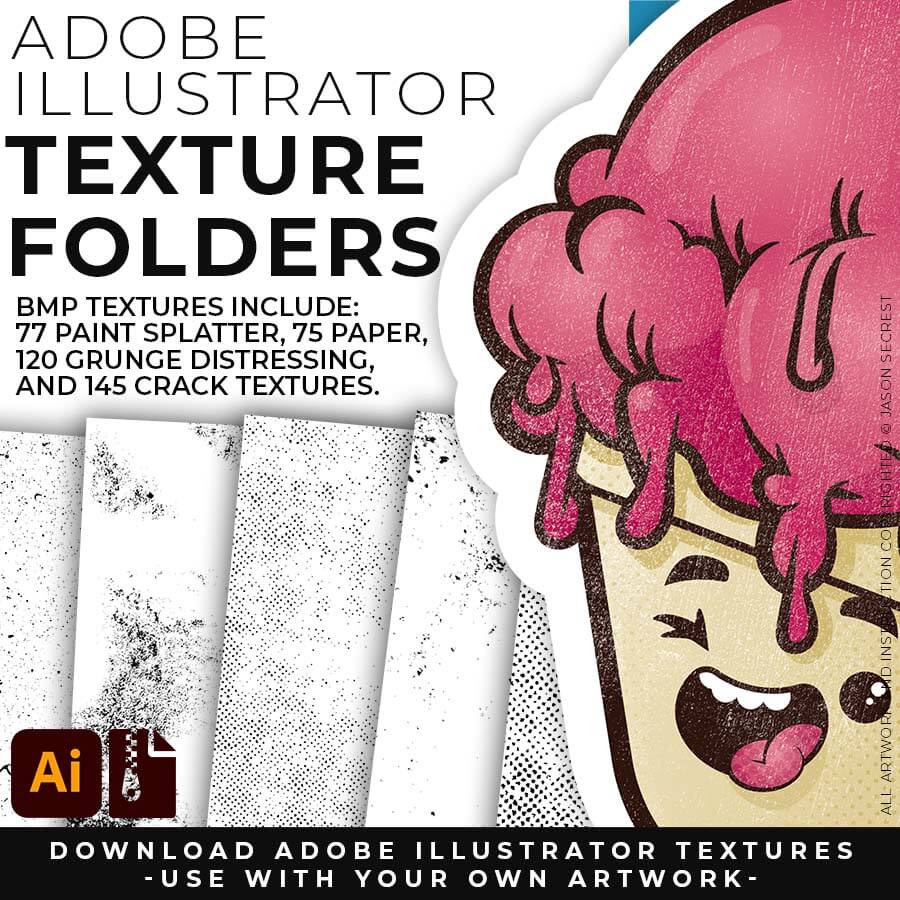
T-SHIRT TEXTURES: BMP Textures are extremely easy to use even if you are a beginner to Adobe Illustrator. Simply File-Place the Textures over your finished artwork to use with the Transparency Panel for soft overlays. Use BMP Textures along with Opacity Masks for T-Shirt Distressing. (includes Cracks, Grunge Distressing, Paper, and Paint Splatter Textures.)