
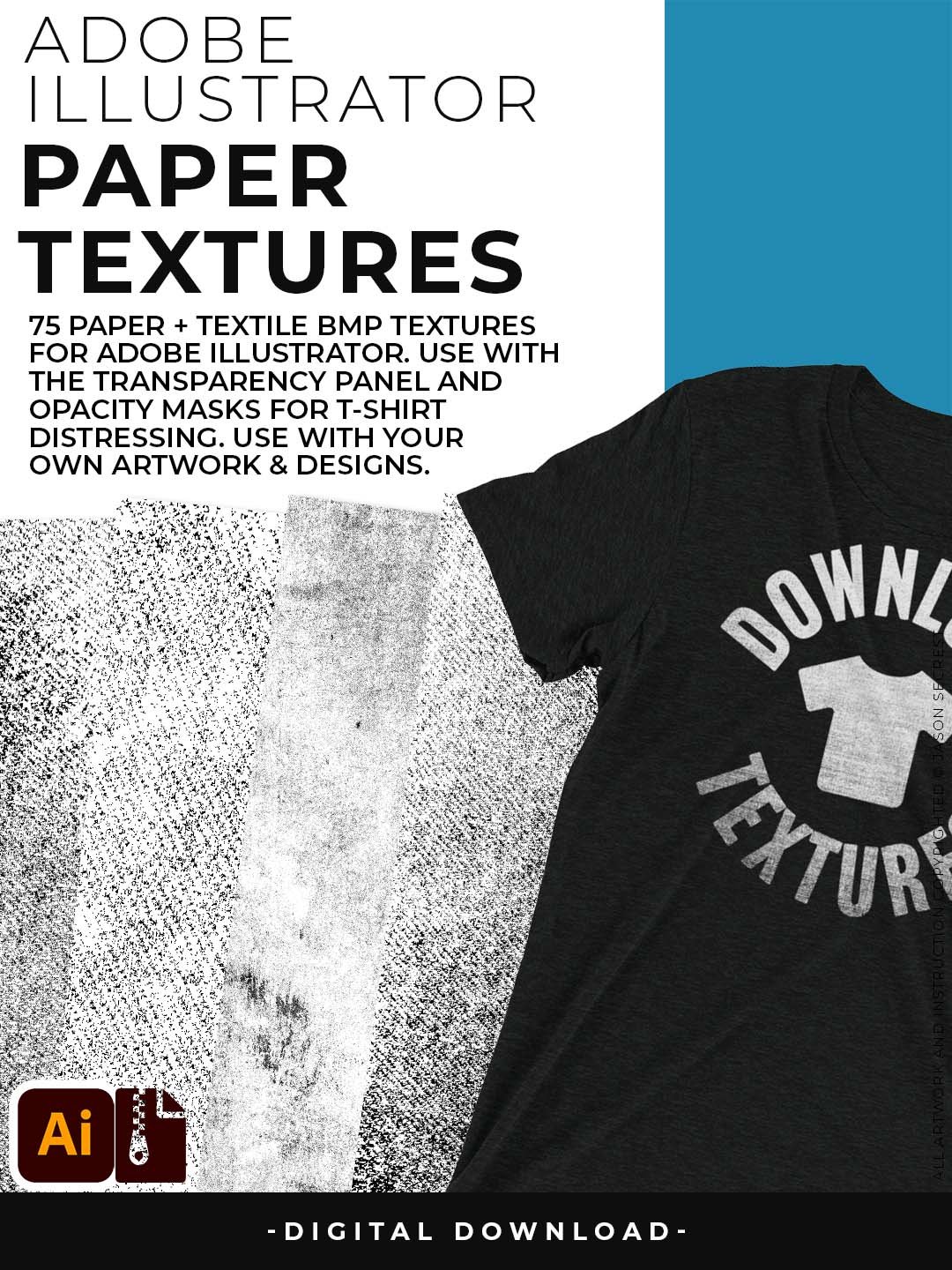
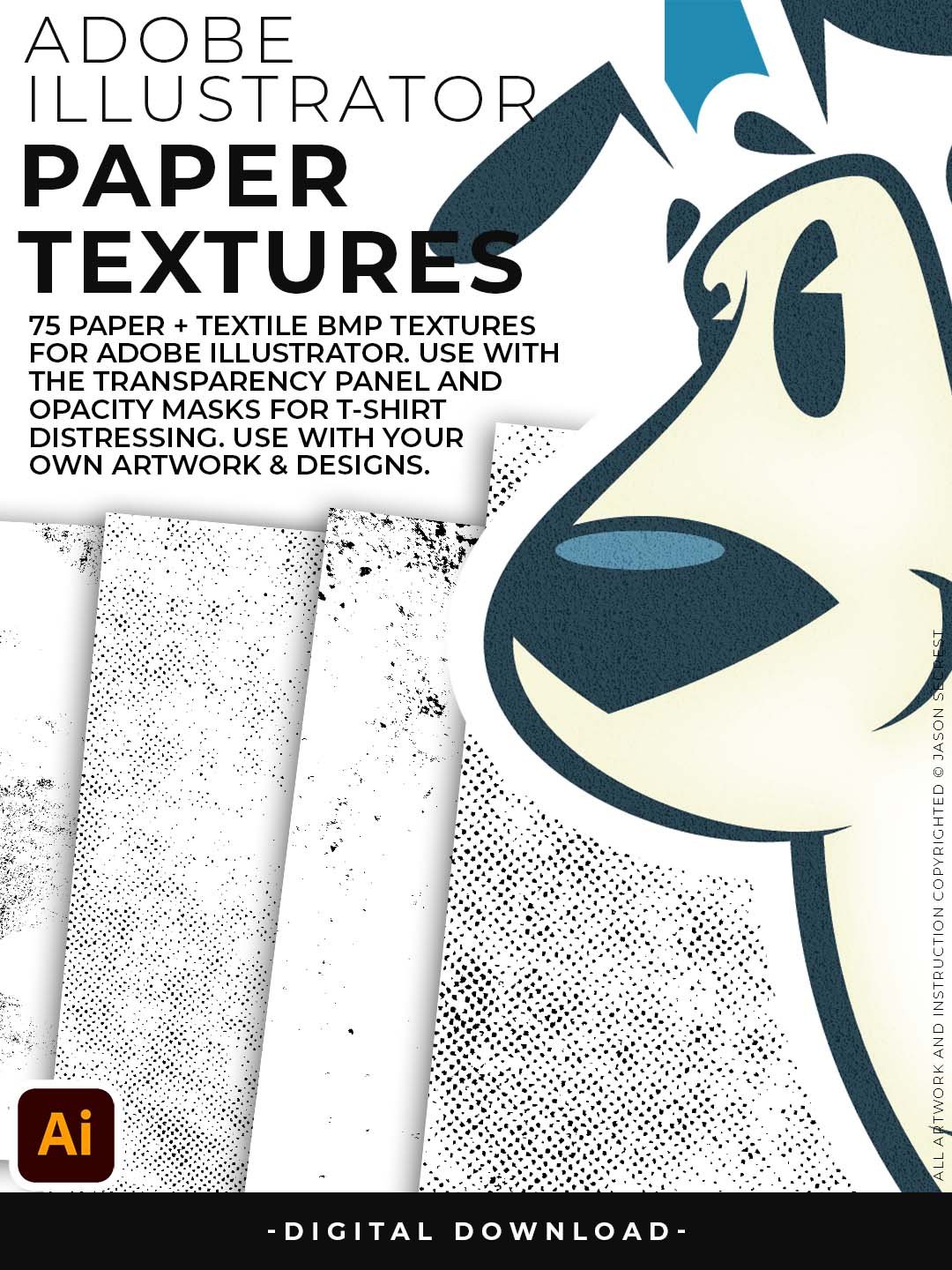
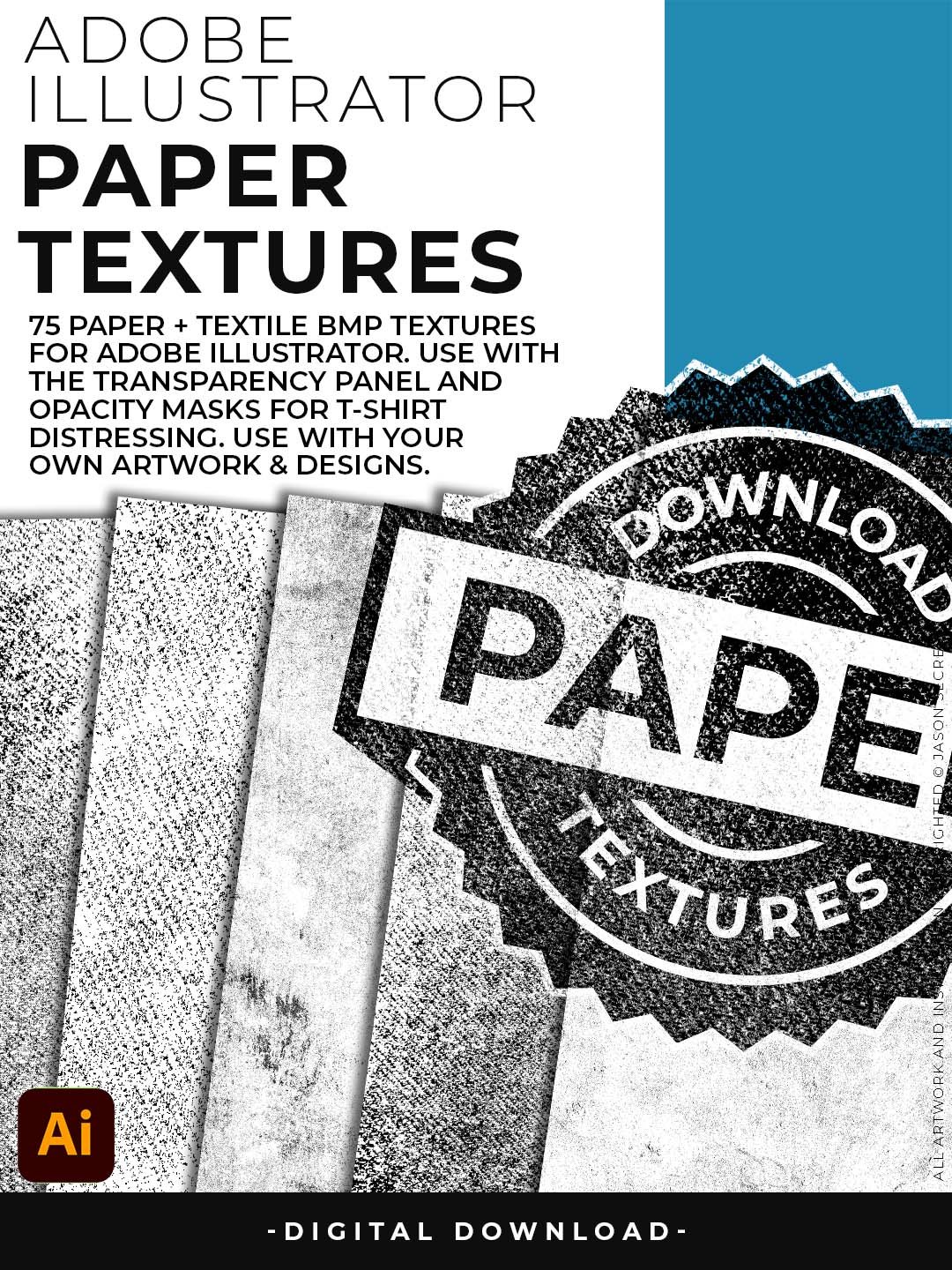
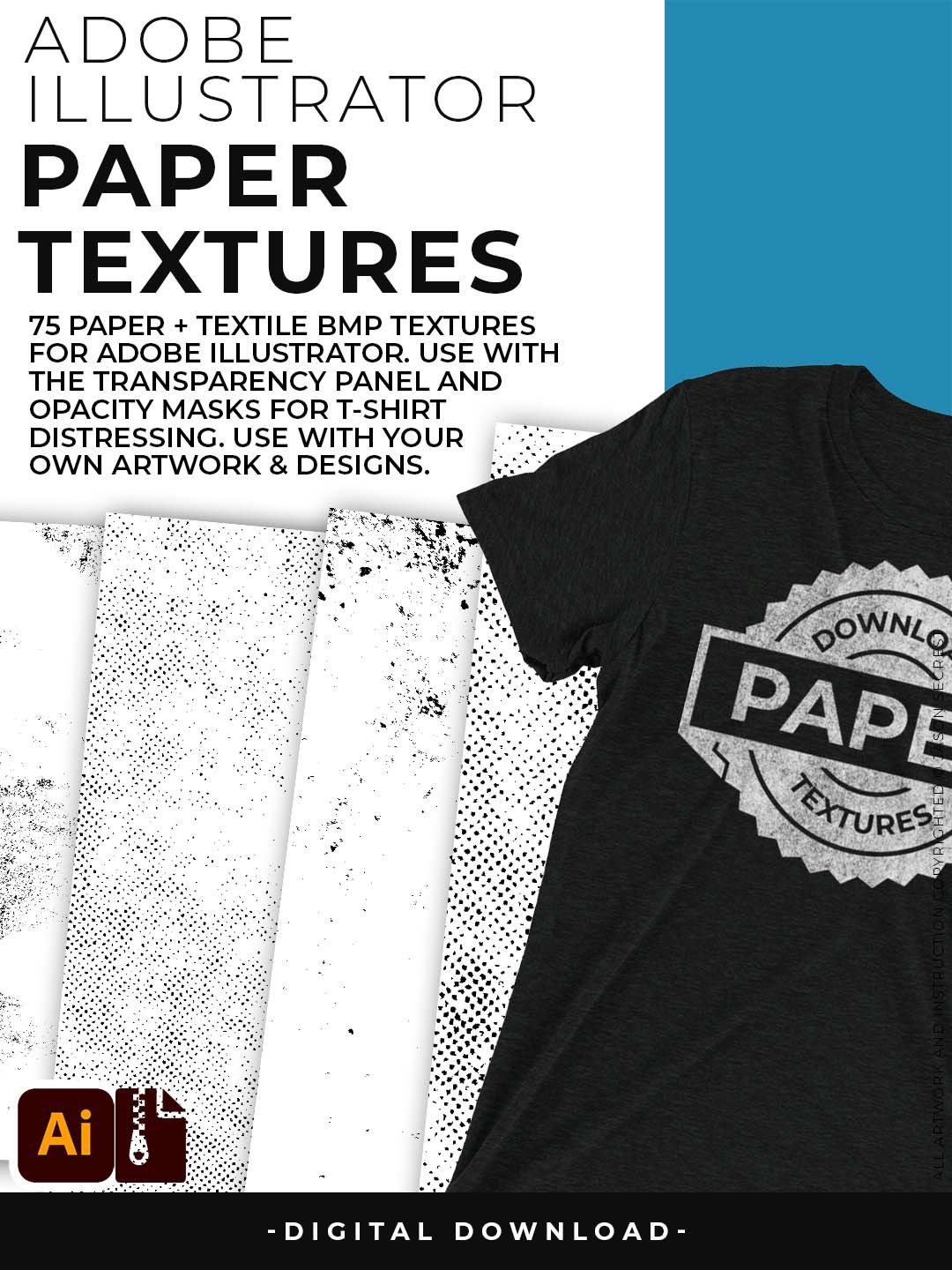
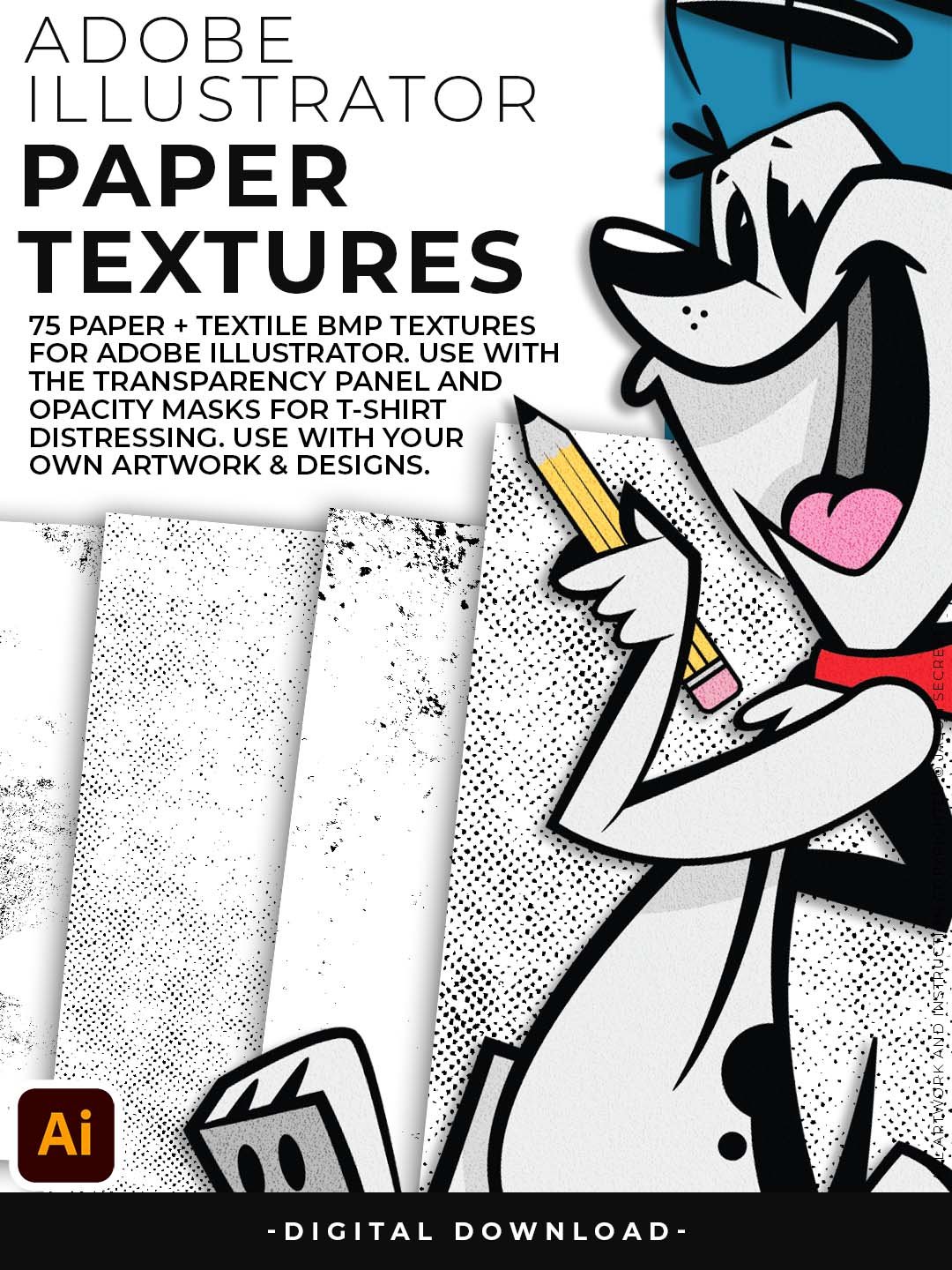


Paper Texture Pack for Adobe Illustrator
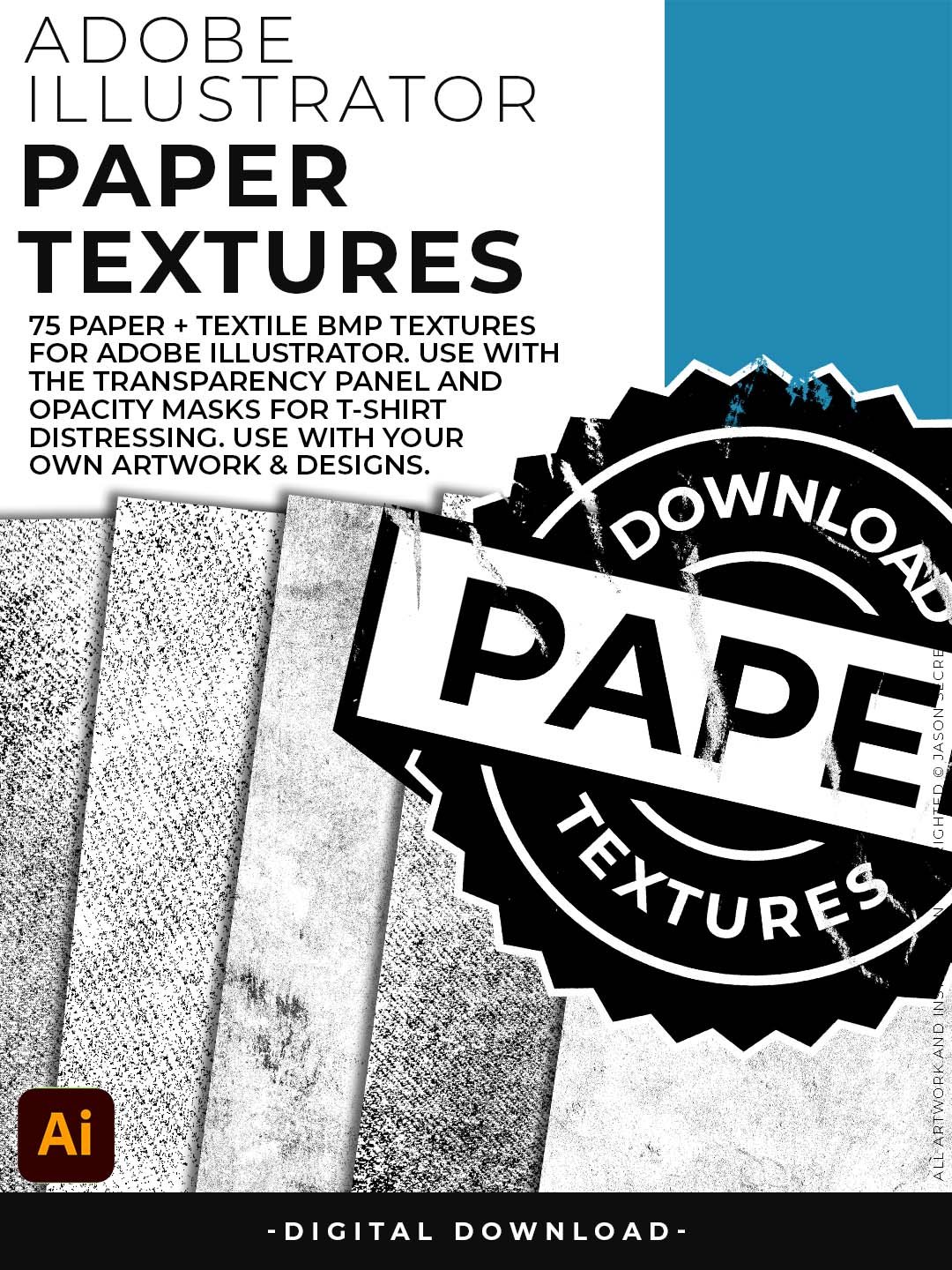
Add warmth, depth, and a handmade feel to any vector artwork — without leaving Illustrator. There's a reason the best illustrators and brand designers add a paper texture as the last step — it makes everything look more intentional. That subtle grain separates flat vector art from something that feels crafted. These 75 paper textures were built specifically for the Adobe Illustrator opacity mask workflow, so the application is fast and the results are clean.
The pack spans a wide range of paper types: fine-grain newsprint, soft watercolor stock, aged parchment, and everything in between. Whether you're finishing a logo for a craft brand, adding warmth to a social media illustration, or giving packaging design that artisanal edge, these textures do the job without overpowering your work. Soft, versatile, and print-safe.
Paper Textures
- 75 paper textures optimized for web, print, and social — one pack covers every output format
- Instantly soften the cold, clinical look of flat vector art with a single opacity mask layer
- Ranges from barely-there grain to clearly textured paper stock — so you can dial in exactly how much handmade feel you want
- Works beautifully on illustration, packaging design, social graphics, and brand identity work
- Non-destructive — drop it on, adjust opacity, remove it. Nothing is permanent.
Digital Downloads
- After purchase, you’ll receive an email with your download link. (only available through our YouTube Shop powered by Fourthwall).
- If you don’t see the email, please check your spam or promotions folder.
- Digital Downloads will come as Zipped Folders. Extract all before using in Adobe Illustrator.
- Once you download a file, you will have it forever
- Save or back up Digital Downloads to an external hard drive or cloud-based storage service.
- Use with your own artwork and designs.
STEP #1:
Download our Cracks, Grunge Distressing, Paper, and Paint Splatter Textures. Adobe Illustrator Textures will come to you as Zipped Folders. Extract All before using in Adobe Illustrator.
STEP #2:
Once you have downloaded and extracted the BMP Textures, they are ready to be used in Adobe Illustrator. Save all files to an external hard drive or cloud-based storage.
STEP #3:
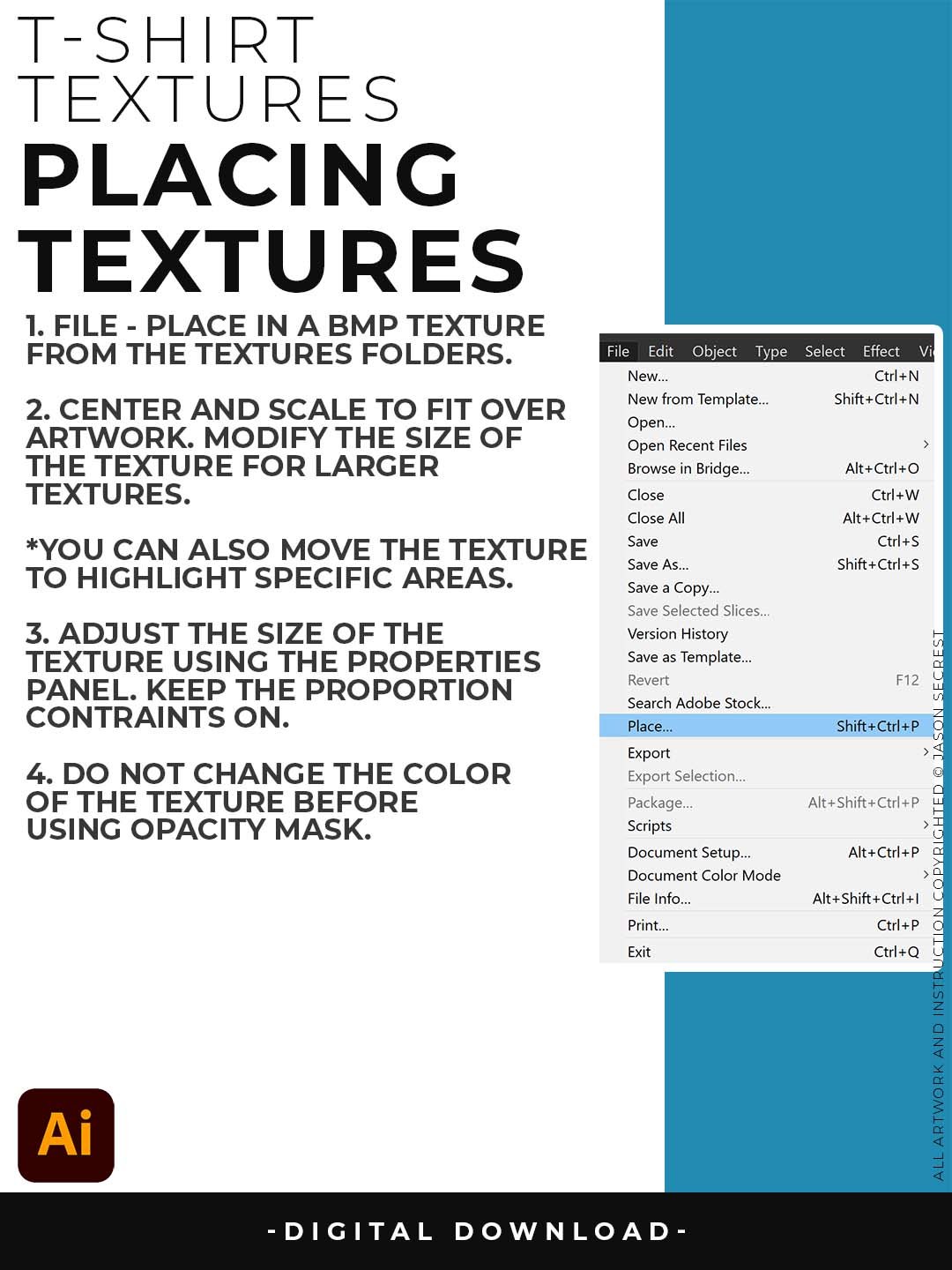
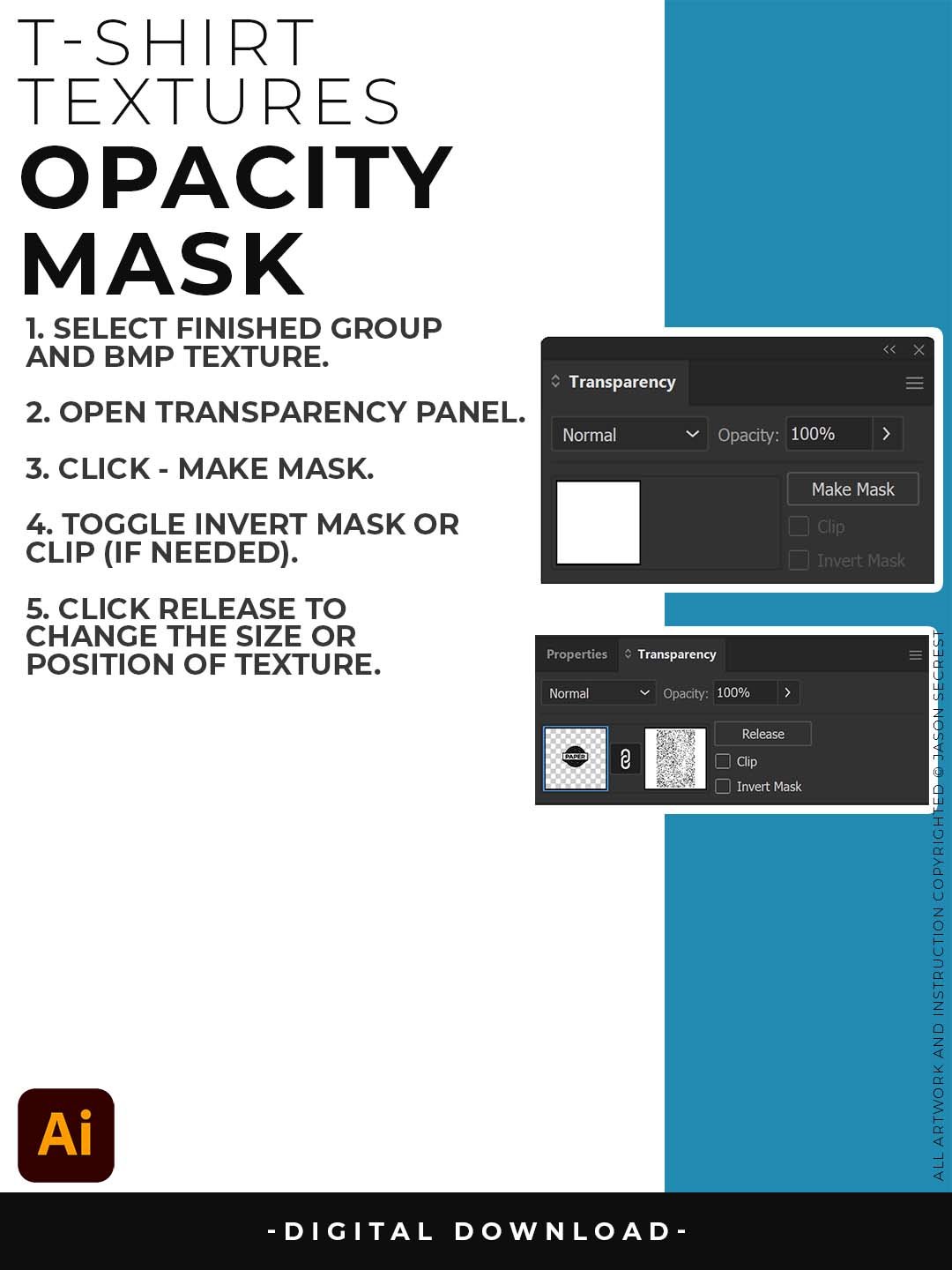
File - Place BMP Textures into Adobe Illustrator. use Opacity Masks to create T-Shirt Distressing. I recommend scaling the texture to fit over your completed artwork before you export or save.
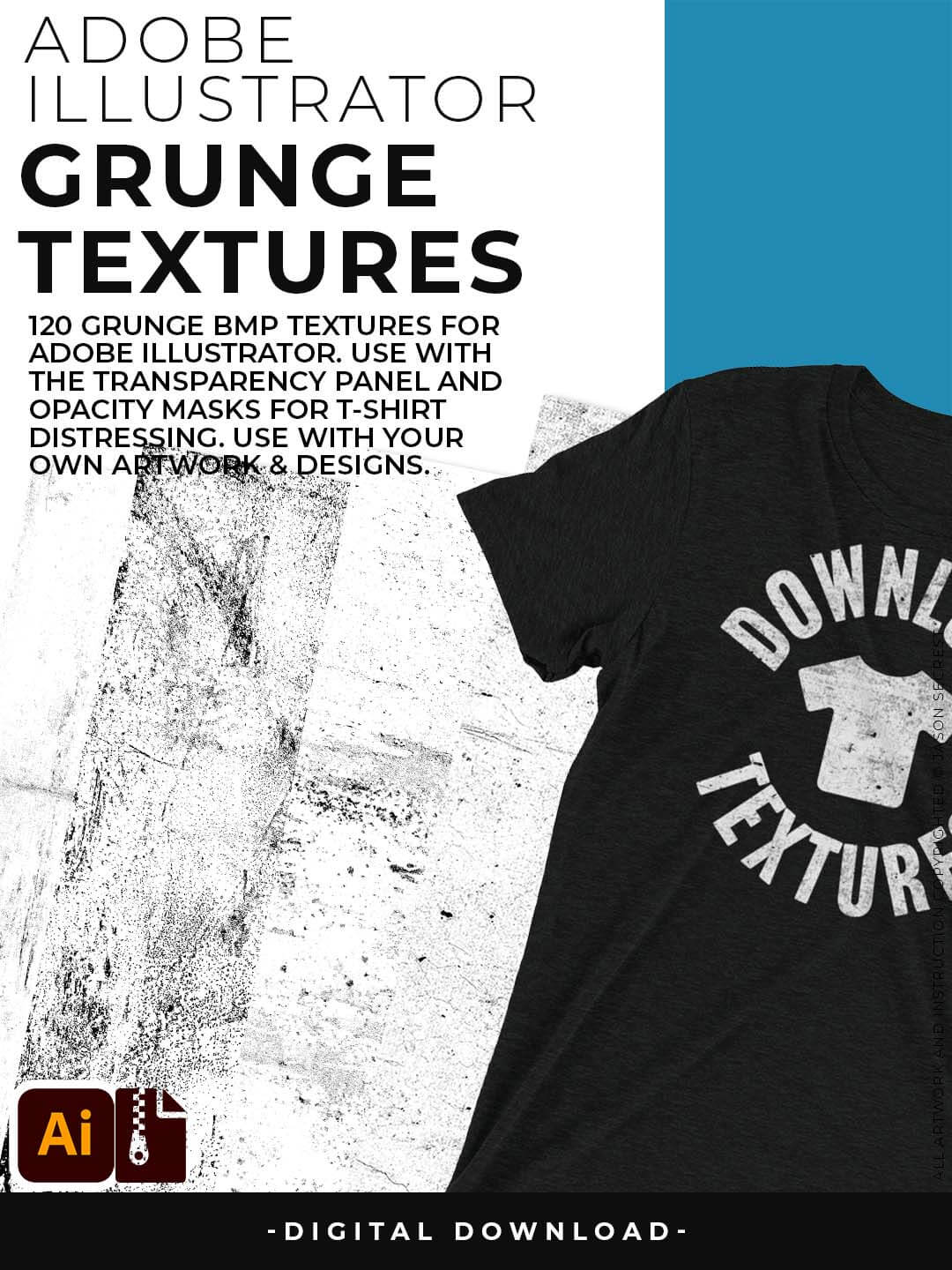
120 Grunge BMP Textures for easy T-Shirt Distressing Styles: Apply BMP Textures within Adobe Illustrator using Opacity Masks for T-Shirt Distressing.
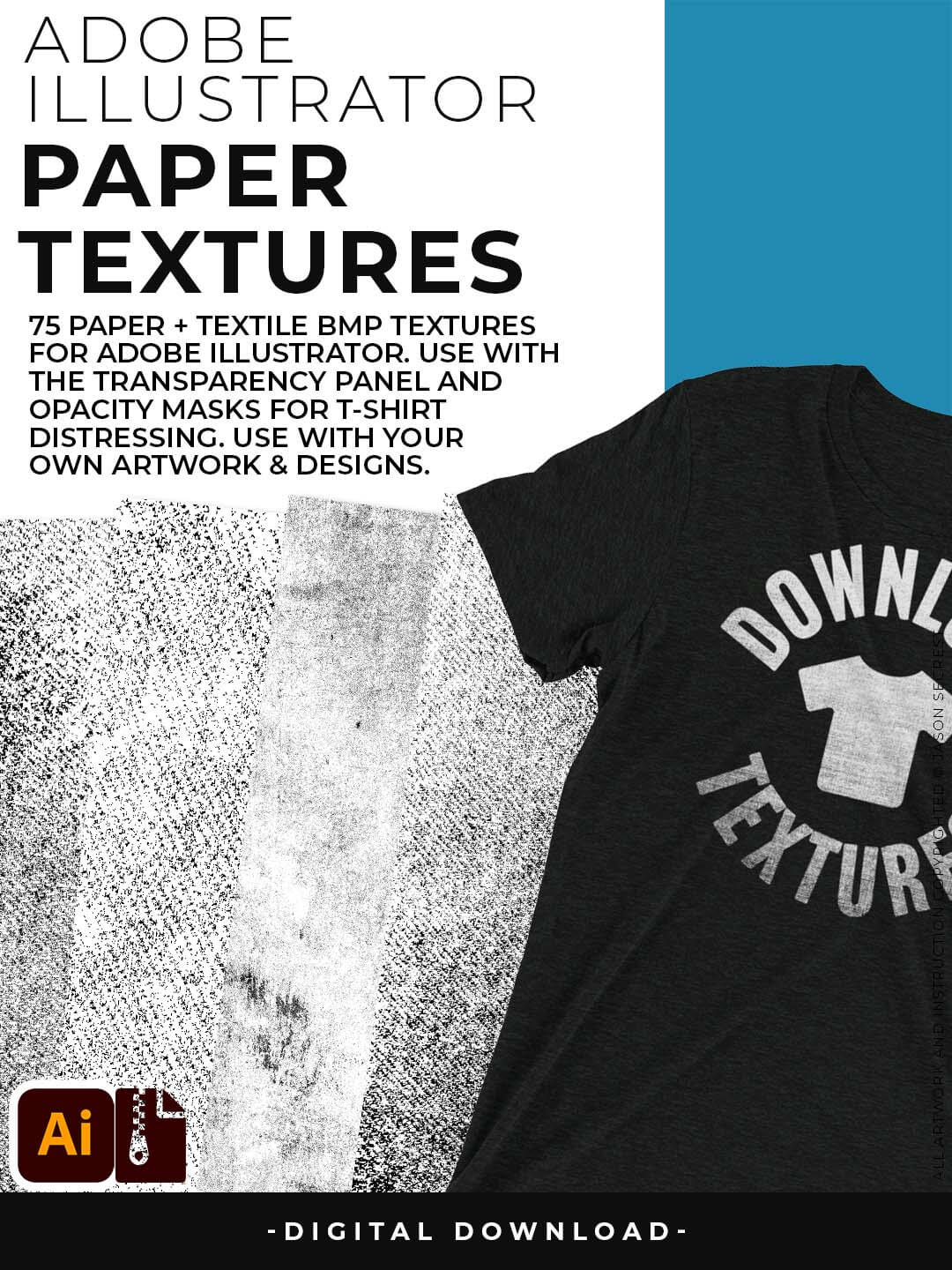
77 Paper Textures for Subtle or Messy Styles: Easily Apply, Change Colors, and Transparency of BMP Textures. Clipping and Opacity Masks are Non-Destructive.

145 Cracks and Distressing Textures for easy Vintage Styles: Apply BMP Textures with the Transparency Panel and Blending Modes for subtle Texture Overlays.
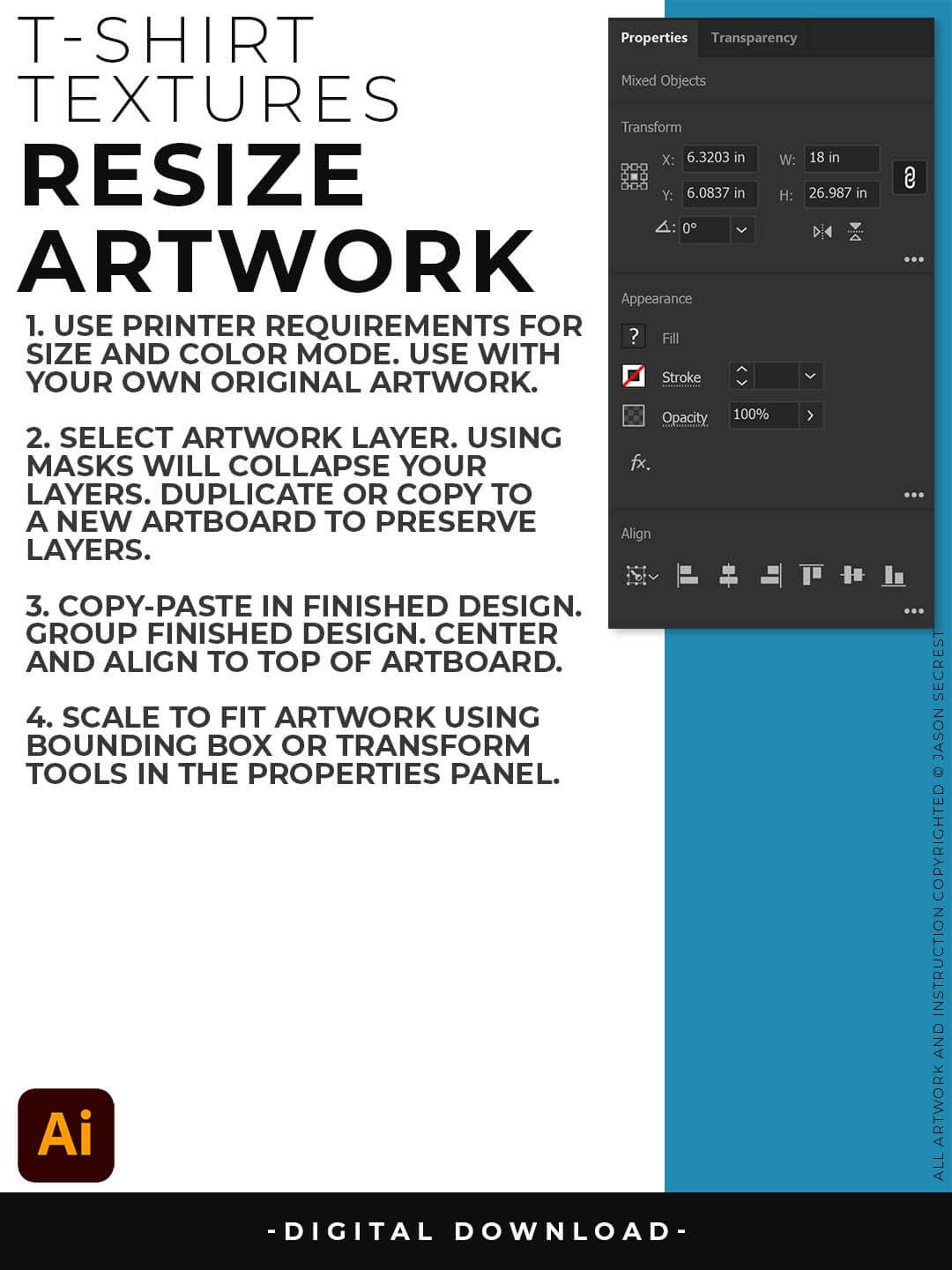
RESIZE ARTWORK: If you are building in a smaller scale you will need to resize your artwork before applying textures. I recommend duplicating the layer or copying and pasting to a new artboard. Select All - Group. Use the Properties Panel to transform your original Artwork or Design to fit Printer Requirements.

FILE - PLACE: Once you have grouped and resized (if needed) your own finished original artwork, you are ready to bring in the BMP Textures. Under File - Place Textures into your working Artboard. Scale to Fit over your entire design. To use Textures with Opacity Masks you will need to Group and Scale your Finished Artwork before Applying.
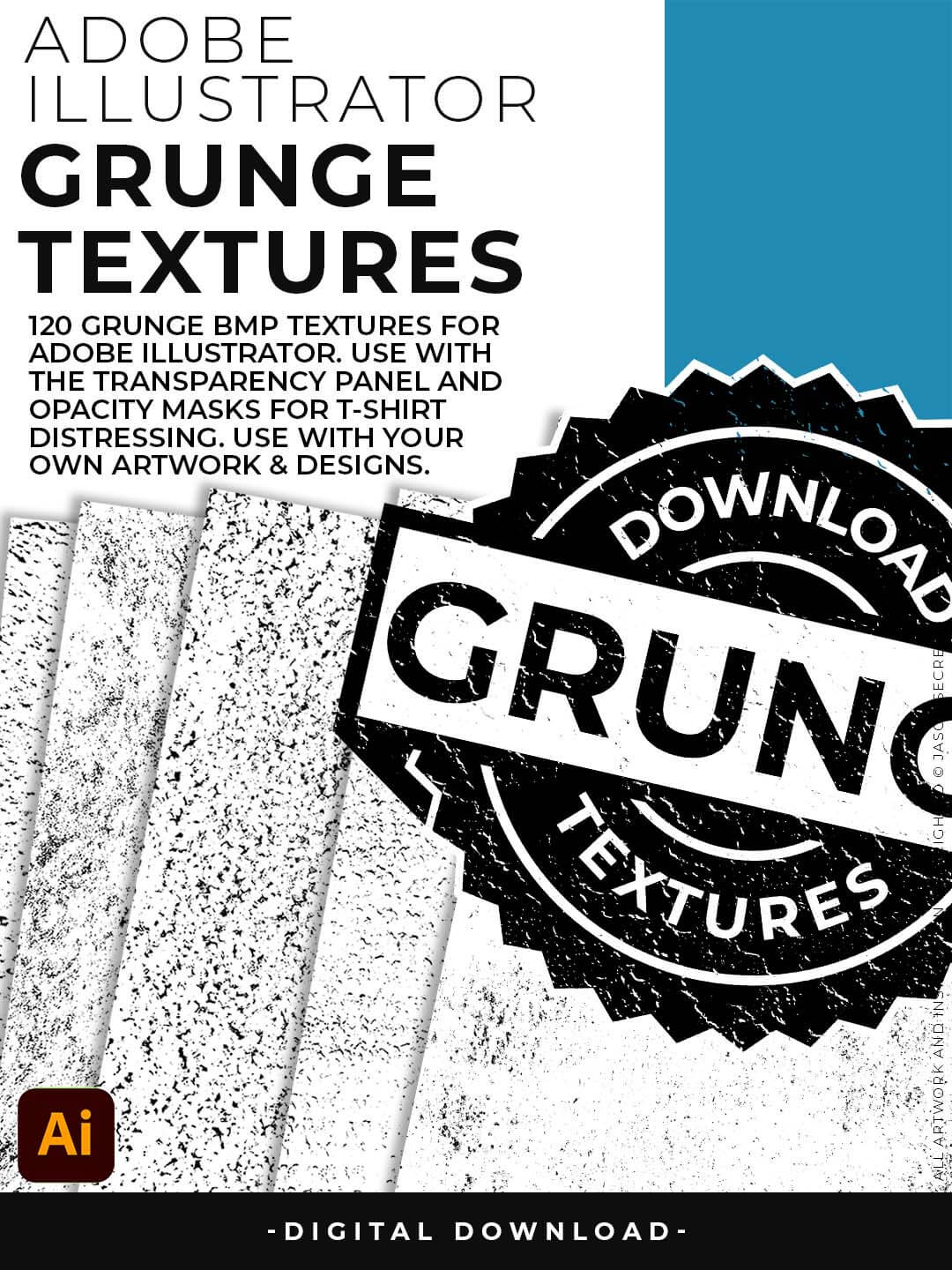
Grunge Distressing Textures to Apply Opacity Masks to your Own Original Artwork and T-shirt Designs. Use BMP Textures to apply Grunge and Distressing Effects to your Artwork and Designs to use with the Transparency Panel and Opacity Masks for Adobe Illustrator. Great for t-shirt distressing using BMP Textures and Opacity Masks to show the garment color on your Own Original Artwork.
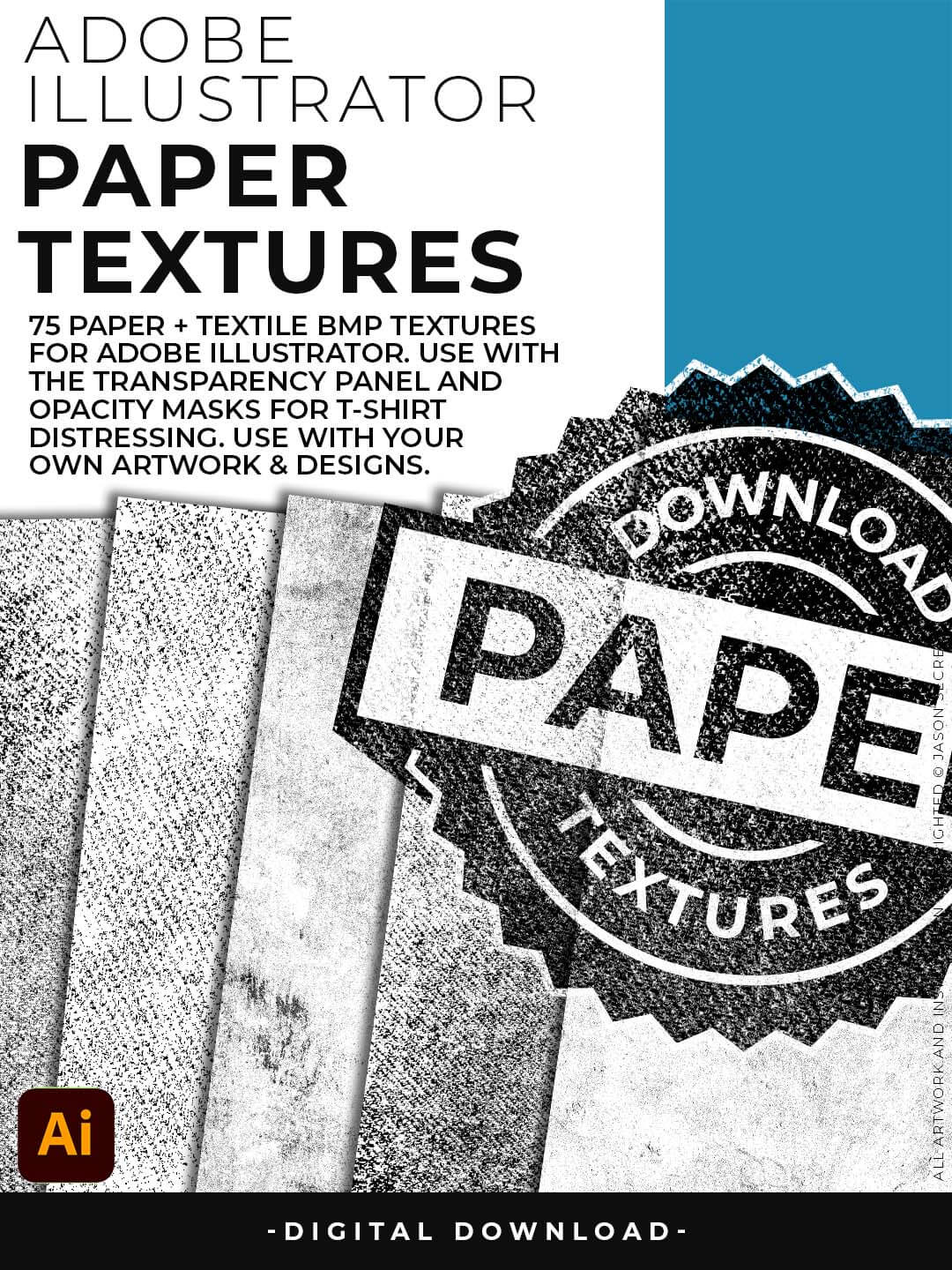
Paper Distressing Textures to use along with the Transparency Panel to create soft texture overlays for your own original artwork. This is great for those of you who are using Textures for Web, Print, and Social Media Sites. Use Textures with a combination of Color Swatches, Transparency, Blending Modes, and Clipping Masks to create a subtle texture overlay on your print or web exports.
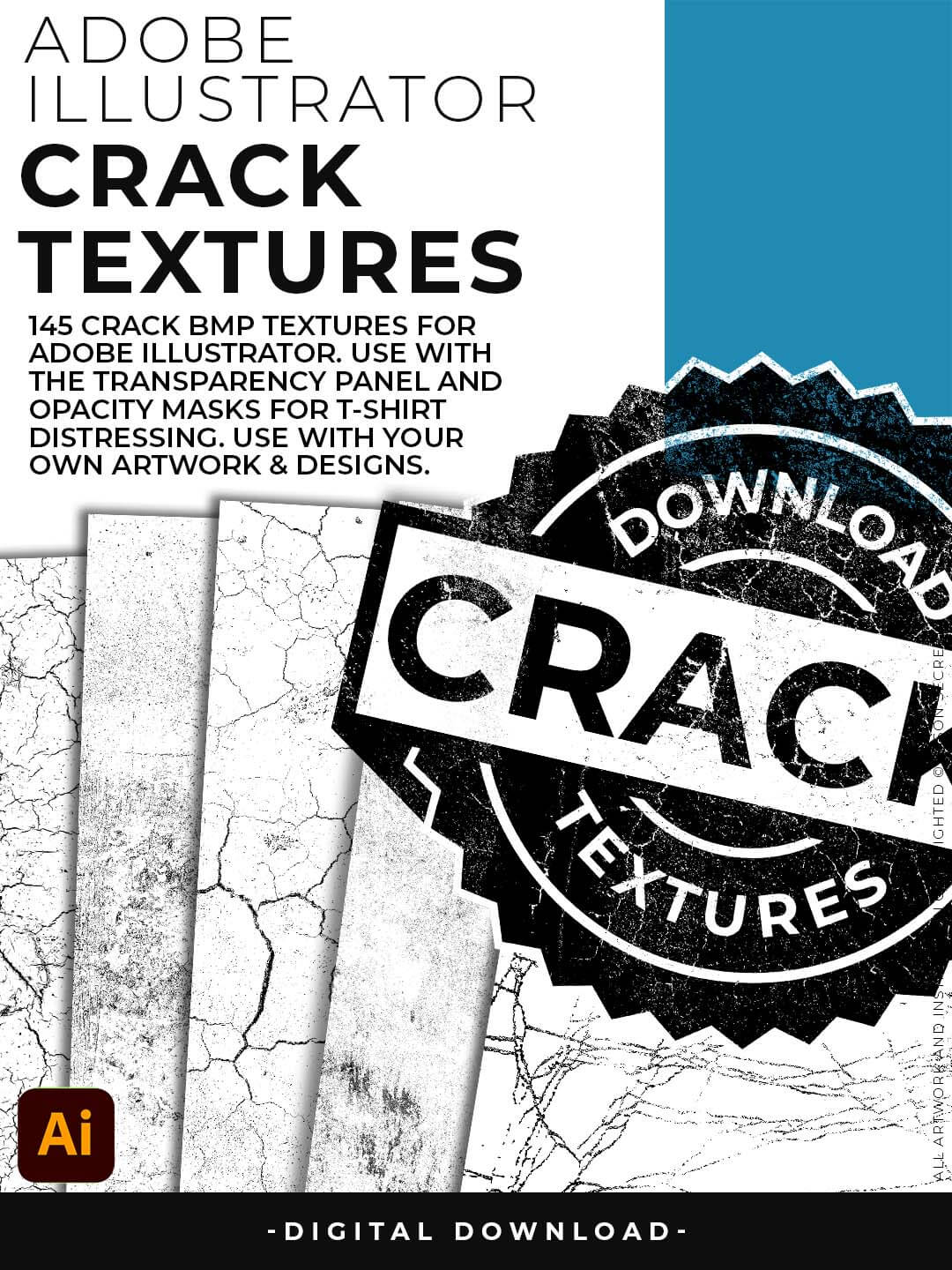
Crack Distressing Textures to Apply Opacity Masks to your Own Original Artwork and T-shirt Designs. Use BMP Textures to apply Cracks and Distressing Effects to your Artwork and Designs by Applying Opacity or Transparency Masks for Adobe Illustrator. Created for T-Shirt distressing using your own Original Artwork and Opacity Masks to show through to the garment color.
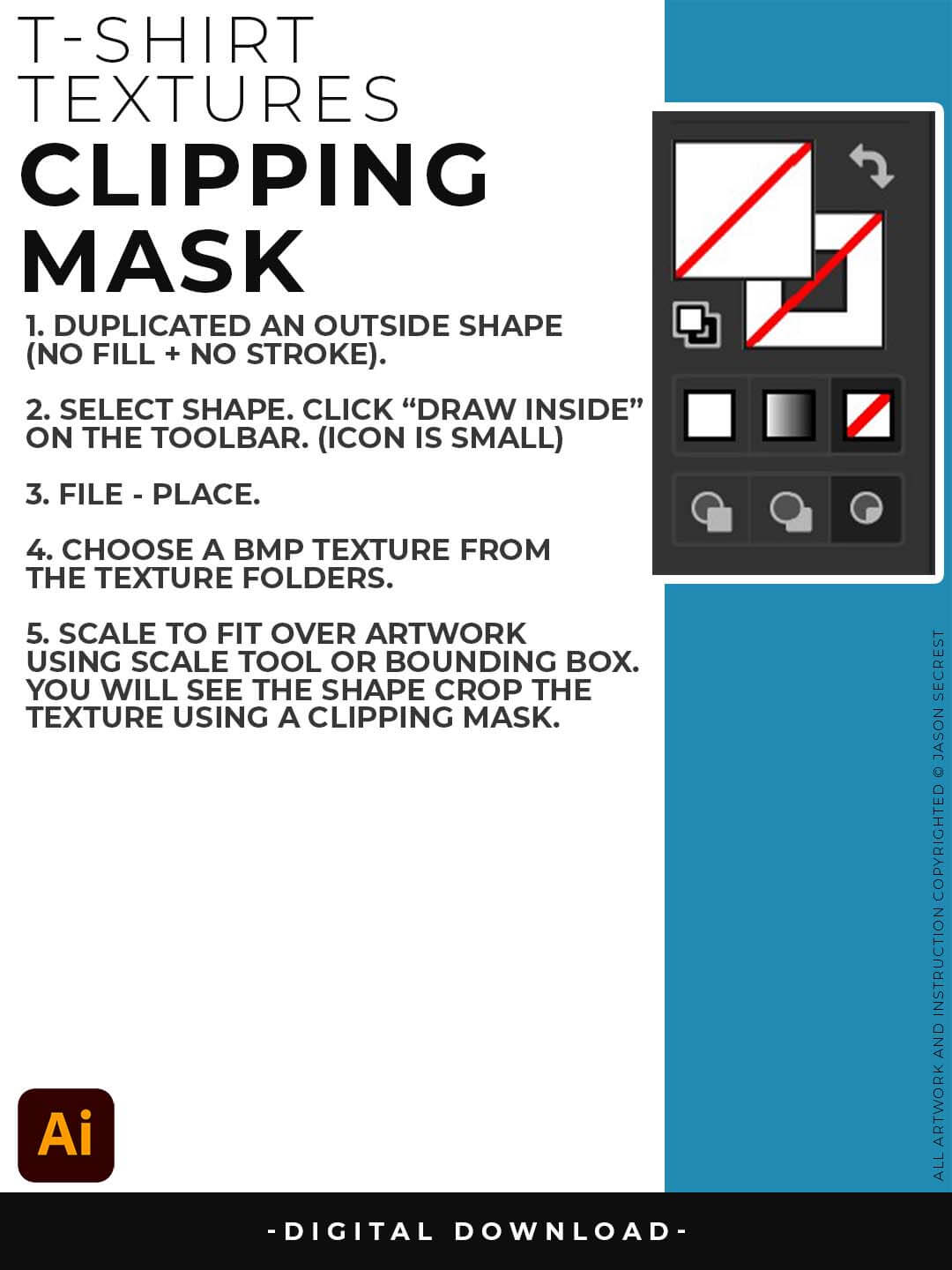
CLIPPING MASKS: Using the "Draw Inside" feature is an easy way to use Clipping Masks in Adobe Illustrator. Simply File - Place in the BMP Texture into the selected "Draw Inside" Shape.
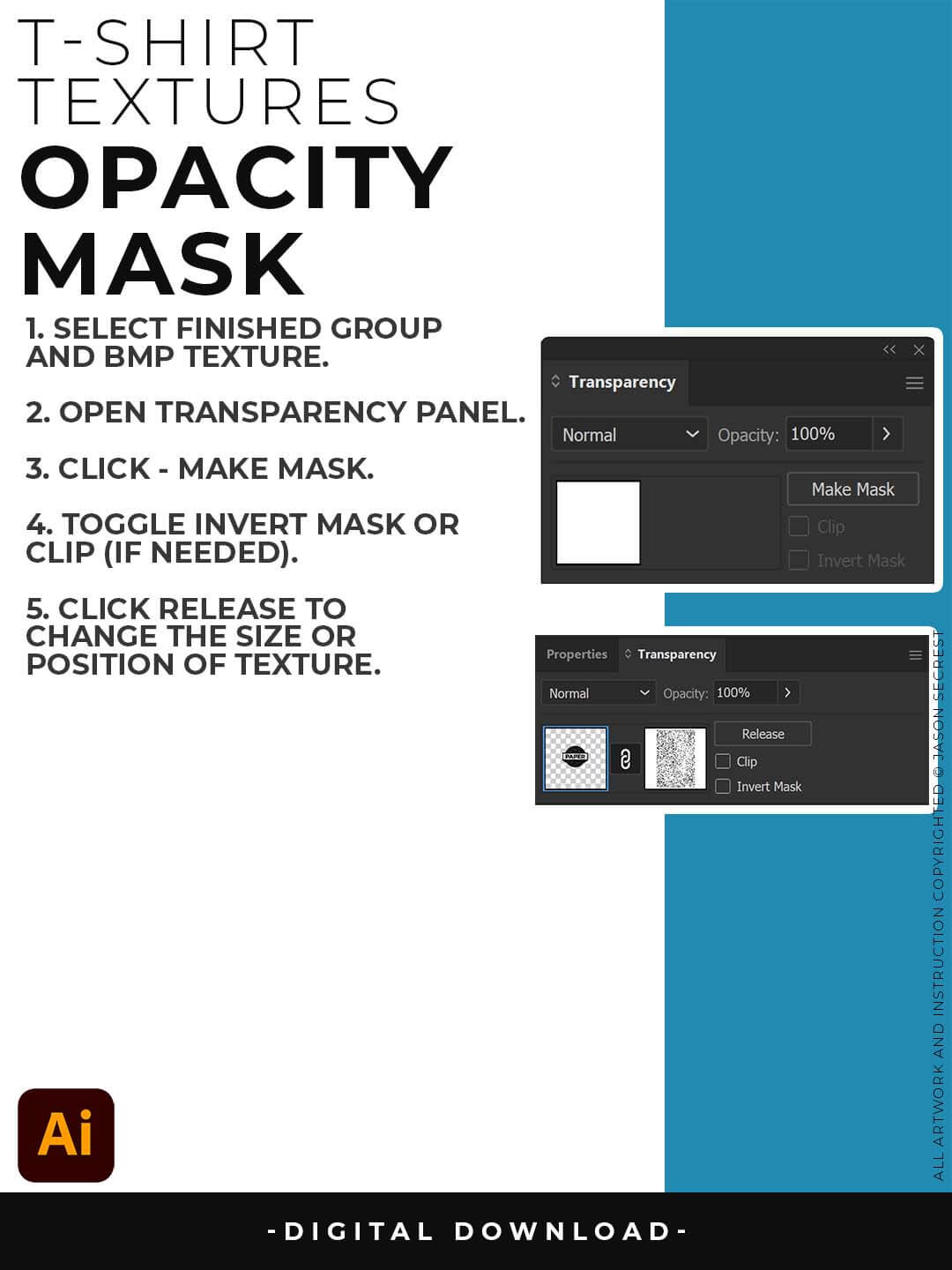
OPACITY MASKS: Using Opacity Masks in Adobe Illustrator is extremely fun. Click on "Make Mask" in the Transparency Panel. This will be for your own original artwork for T-shirt Distressing.