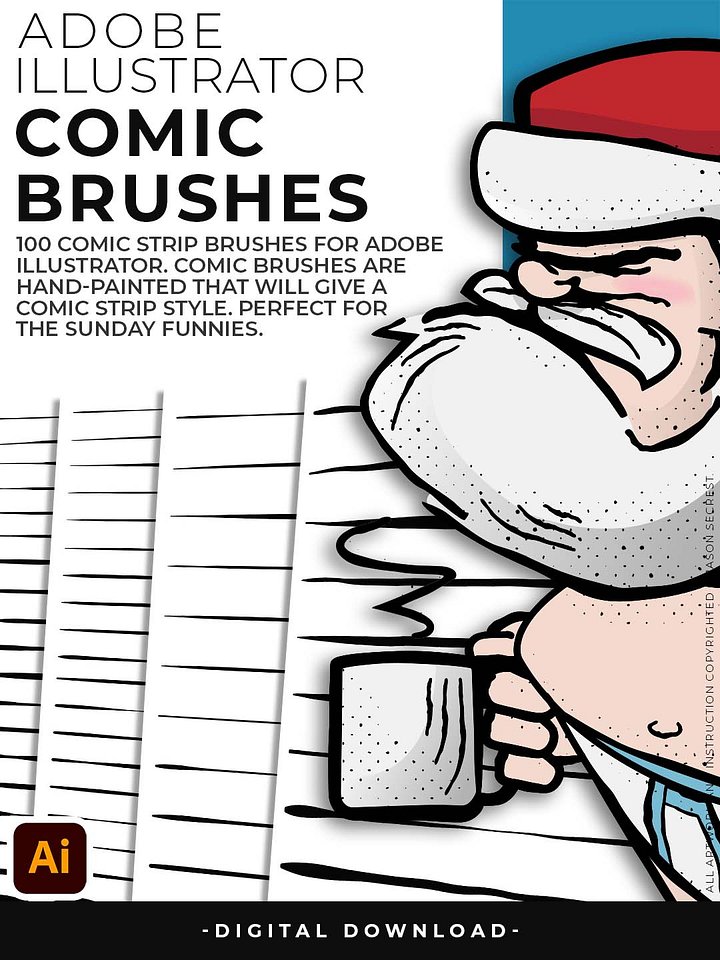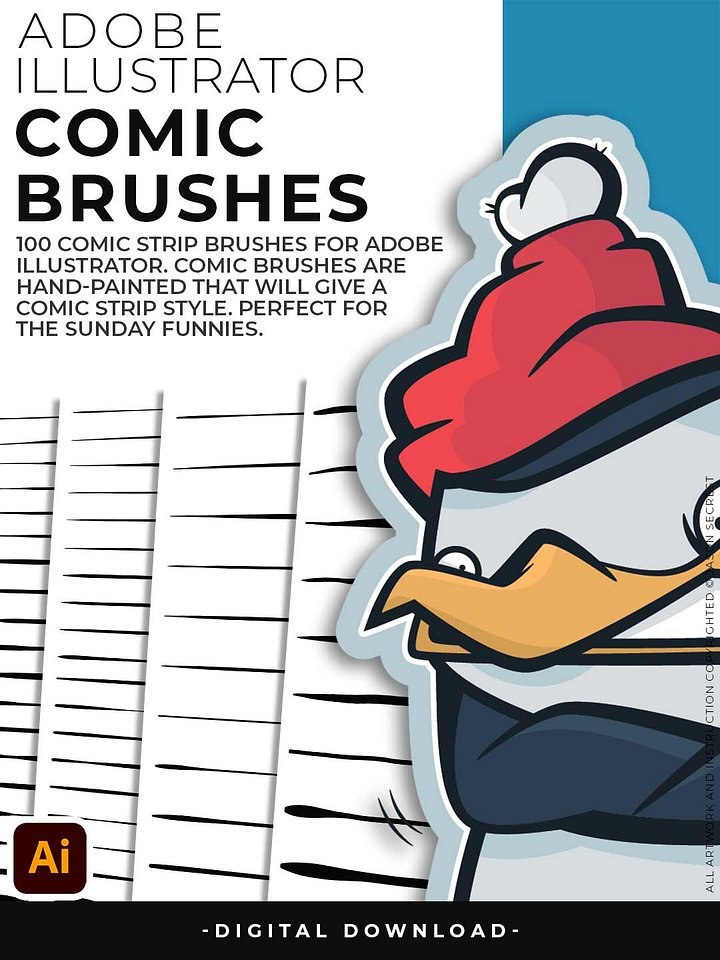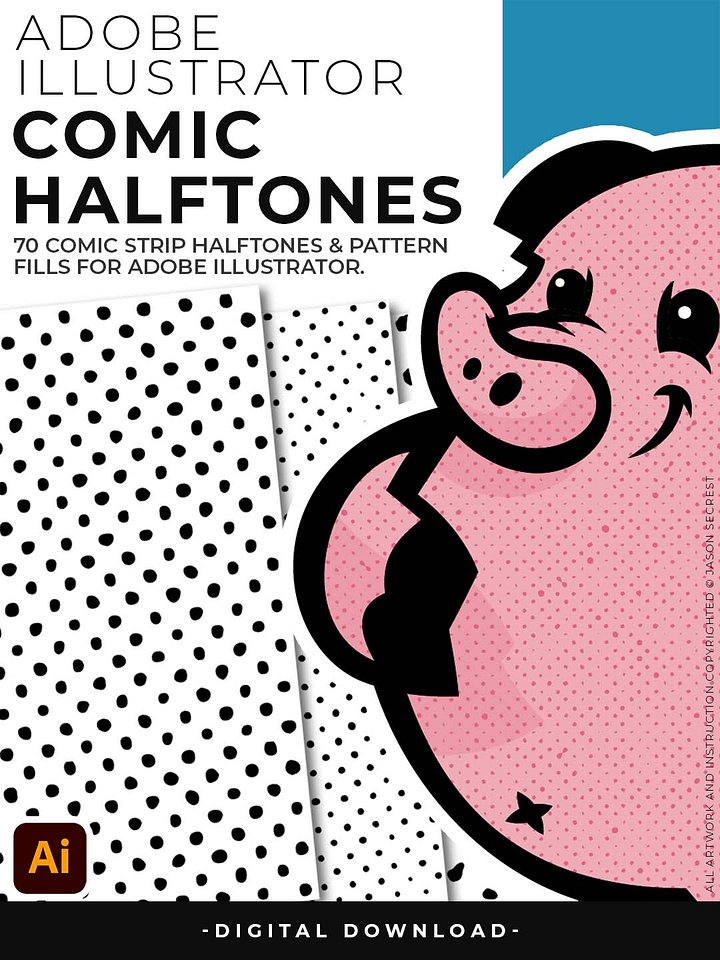


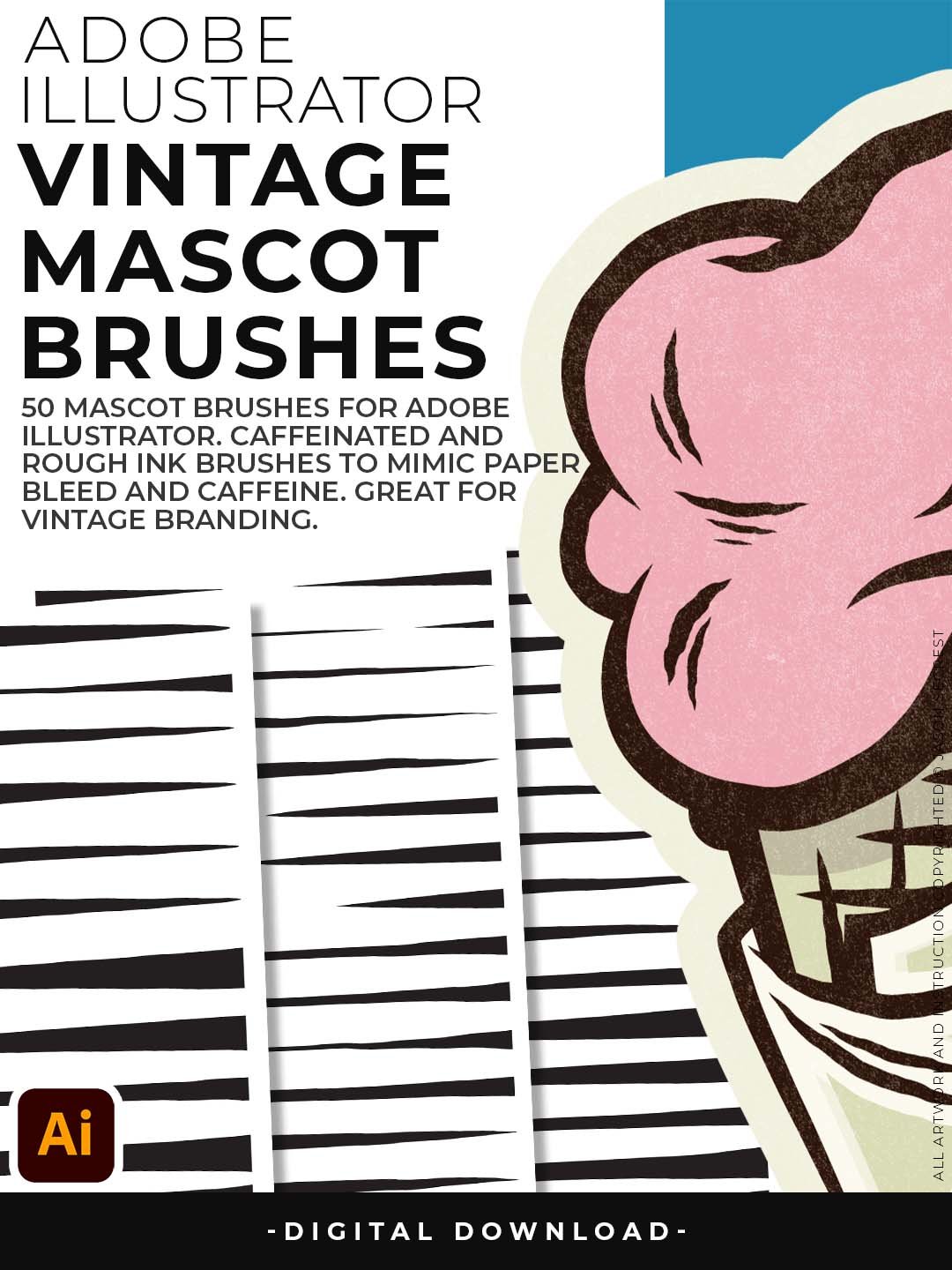


Mascot Brush Library for Adobe Illustrator
— 50 Professional Brushes for Apparel, Vintage, and Distressed Illustration. Clean, perfect vector lines have their place — but mascots aren't it. The best mascot art has grit. Rough edges. Ink that looks like it was drawn with intention and attitude. This library of 50 brushes was built to give Illustrator users exactly that, without any of the scanning-and-tracing workflow.
The Caffeinated Cartoonist set brings fast, energetic strokes — great for expressive character outlines with personality. Rough Ink gives you heavier, chunkier marks with natural irregularity along the edges. Jittery Hand adds a nervous, hand-drawn wobble that reads as authentic even at large sizes. Together, they cover the full range of distressed mascot styles: sports team logos, craft brewery characters, band merch art, and bold brand mascots built for print.
Mascot Brushes
- 50 brushes across three sets (Caffeinated Cartoonist, Rough Ink, Jittery Hand) built specifically for mascot and badge logo work
- Capture ink-bleed, distressed edges, and hand-drawn energy without ever leaving the vector environment
- Perfect for sports logos, craft beer branding, merch mascots, and bold retro identity work
- Three brush personalities — jittery and nervous, rough and heavy, or caffeinated and expressive — to match any mascot's attitude
- Designed by an illustrator who's built mascots professionally — every brush was stress-tested on real client work
Digital Downloads
- After purchase, you’ll receive an email with your download link. (only available through our YouTube Shop powered by Fourthwall).
- If you don’t see the email, please check your spam or promotions folder.
- Digital Downloads will come as Zipped Folders. Extract all before using in Adobe Illustrator.
- Once you download a file, you will have it forever
- Save or back up Digital Downloads to an external hard drive or cloud-based storage service.
- Use with your own artwork and designs.
STEP #1:
Download our Cartoon, Comic Strip, and Vintage Mascot Brush Libraries. Adobe Illustrator Brushes will come to you as Zipped Folders. Extract All before using in Adobe Illustrator.
STEP #2:
Once you have downloaded and extracted the Brush Libraries, they are ready to be used in Adobe Illustrator. Save all files to an external hard drive or cloud-based storage.
STEP #3:
Open Brush Libraries through the “Other Library” Option in the Brushes Panel in Adobe Illustrator. Adobe Illustrator Brushes have been organized into Brush Libraries for easy application.
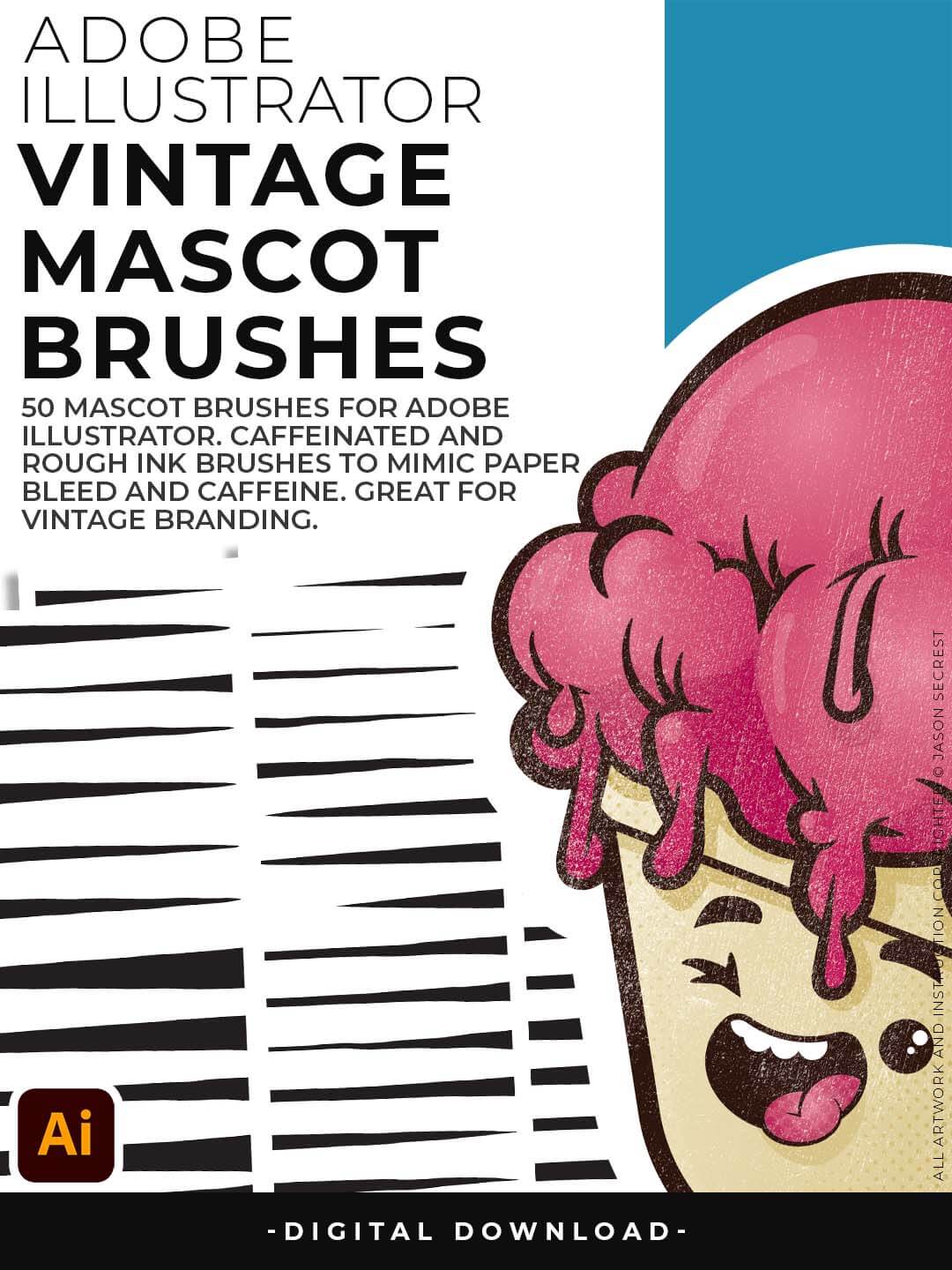
Jittery Hand, Caffeinated Cartoonist + Rough Ink Brushes to Mimic Ink on Paper Bleed and a little Caffeine.
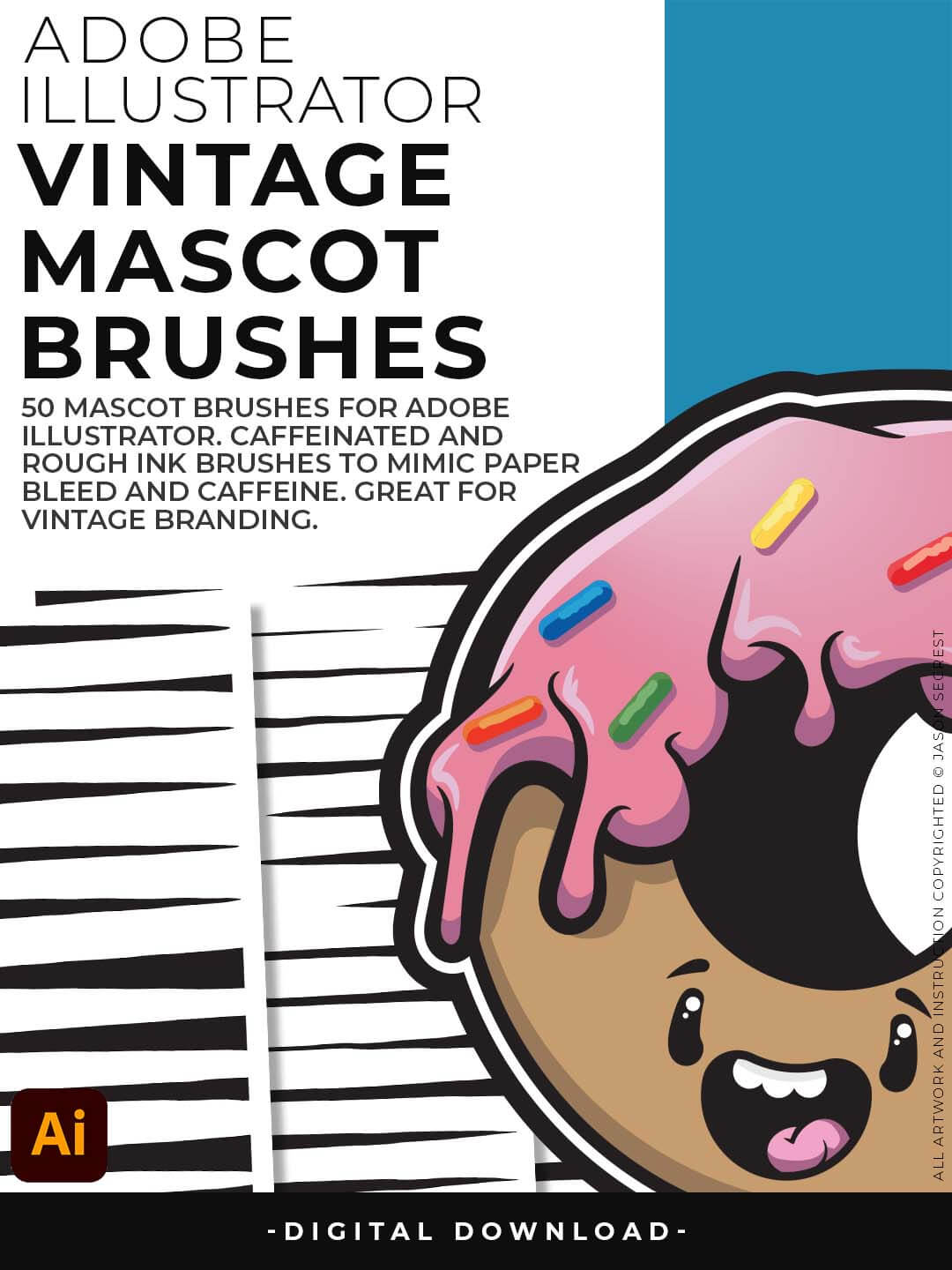
Designed to be a little less stiff with your vector art. Use these Brush Libraries to get more of a distressed look or ink bleed back in your own Vector Artwork.
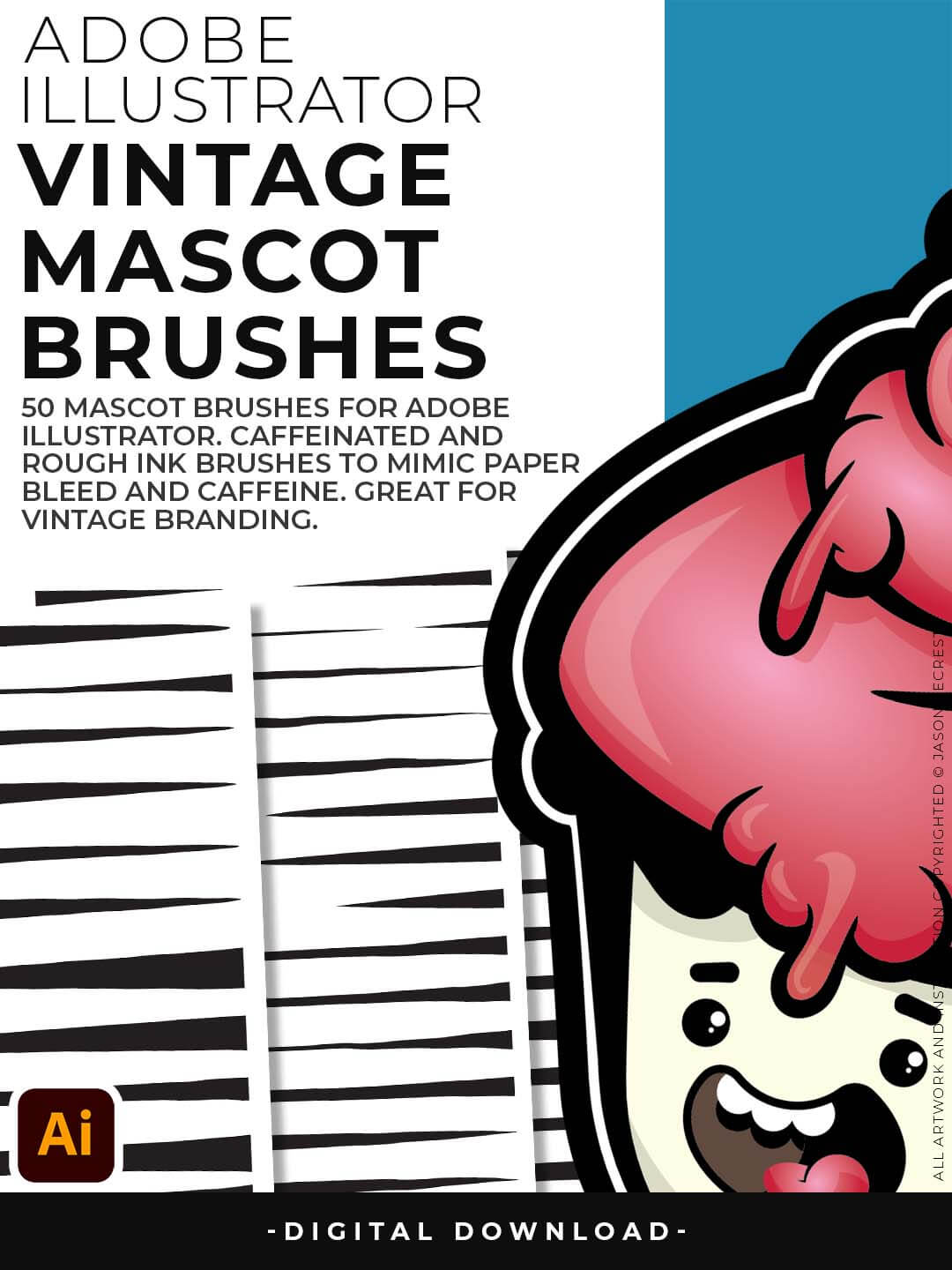
Includes Updated Caffeinated Cartoonist, Rough Ink, and Jittery Hand Brush Libraries.
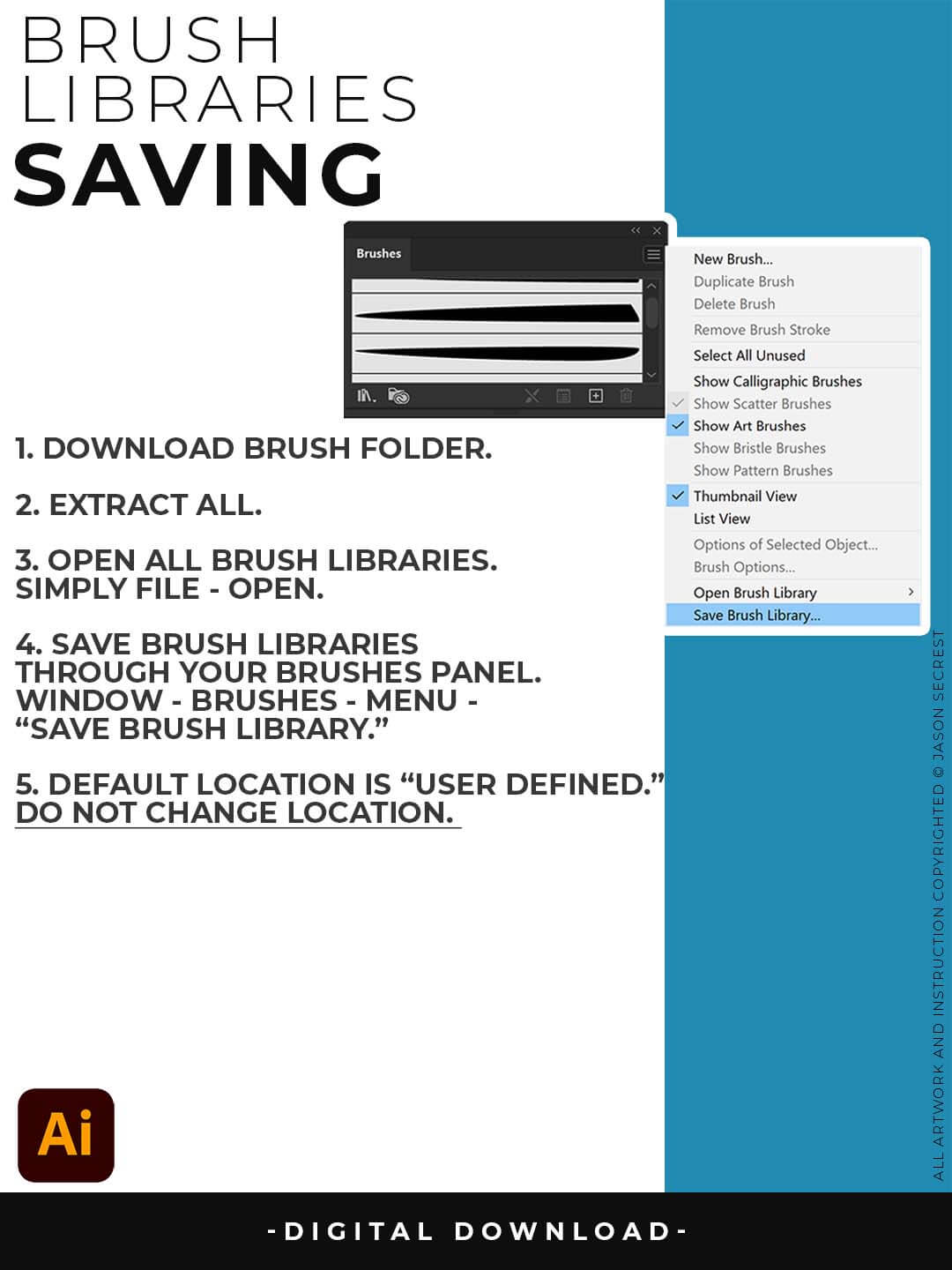
SAVING BRUSHES: Open All of the Brushes Libraries in Adobe Illustrator. (File - Open). Have your Brushes Panel Open. Under Window - Brushes. Click on Each Illustrator Document and Open the Brushes Menu in the Brushes Panel. Scroll down to Click on Save Brush Library. Default Location = User Defined.
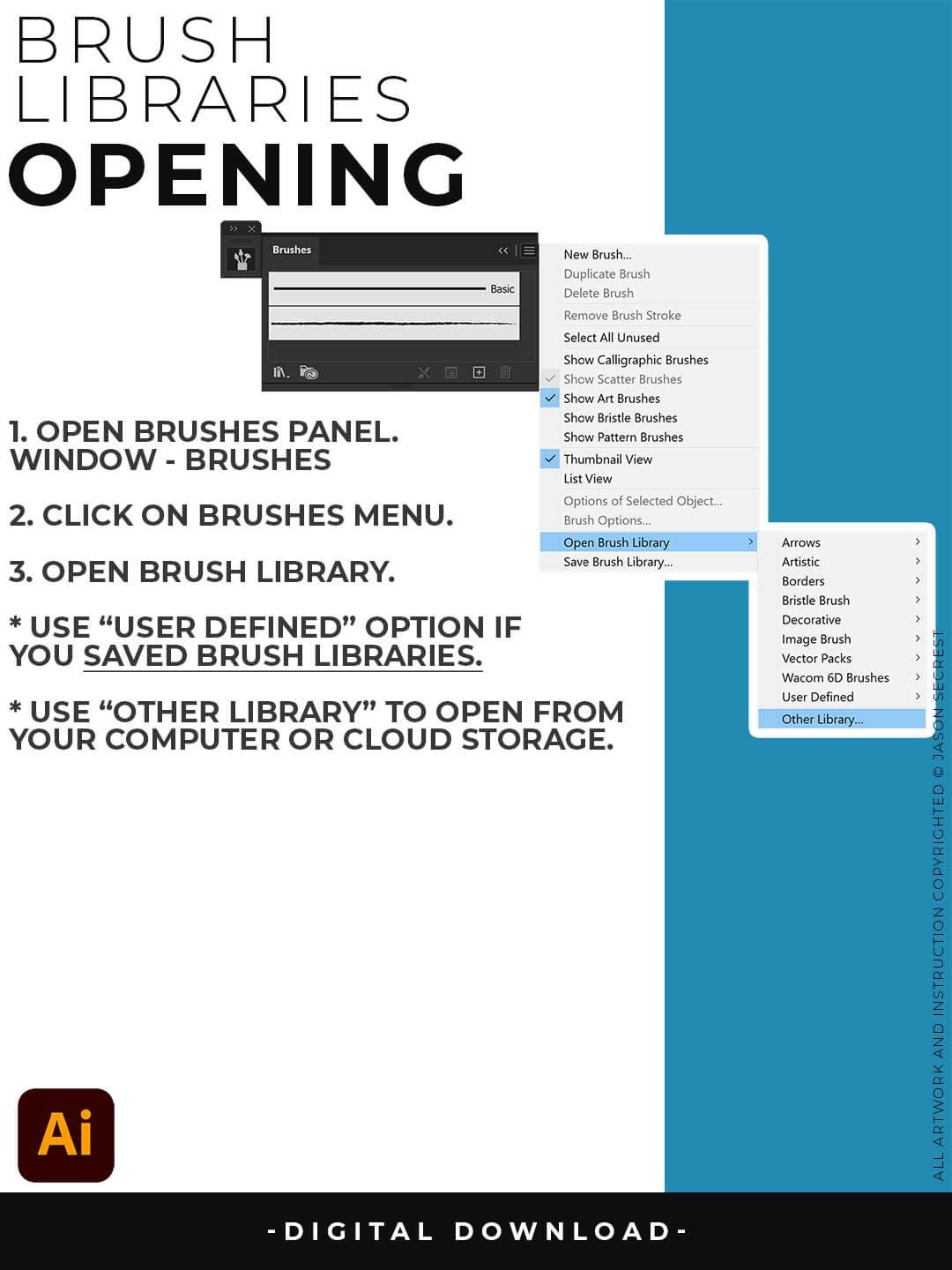
OPENING BRUSHES: Under Window - Select Brushes. In the Brushes Menu, drop-down to Open Brush Library. Hover over it and select "Other Library." A Normal Open Dialogue Box will appear to select any Brush Library to use in Illustrator. Almost all of our step-by-step tutorials on YouTube use this method.
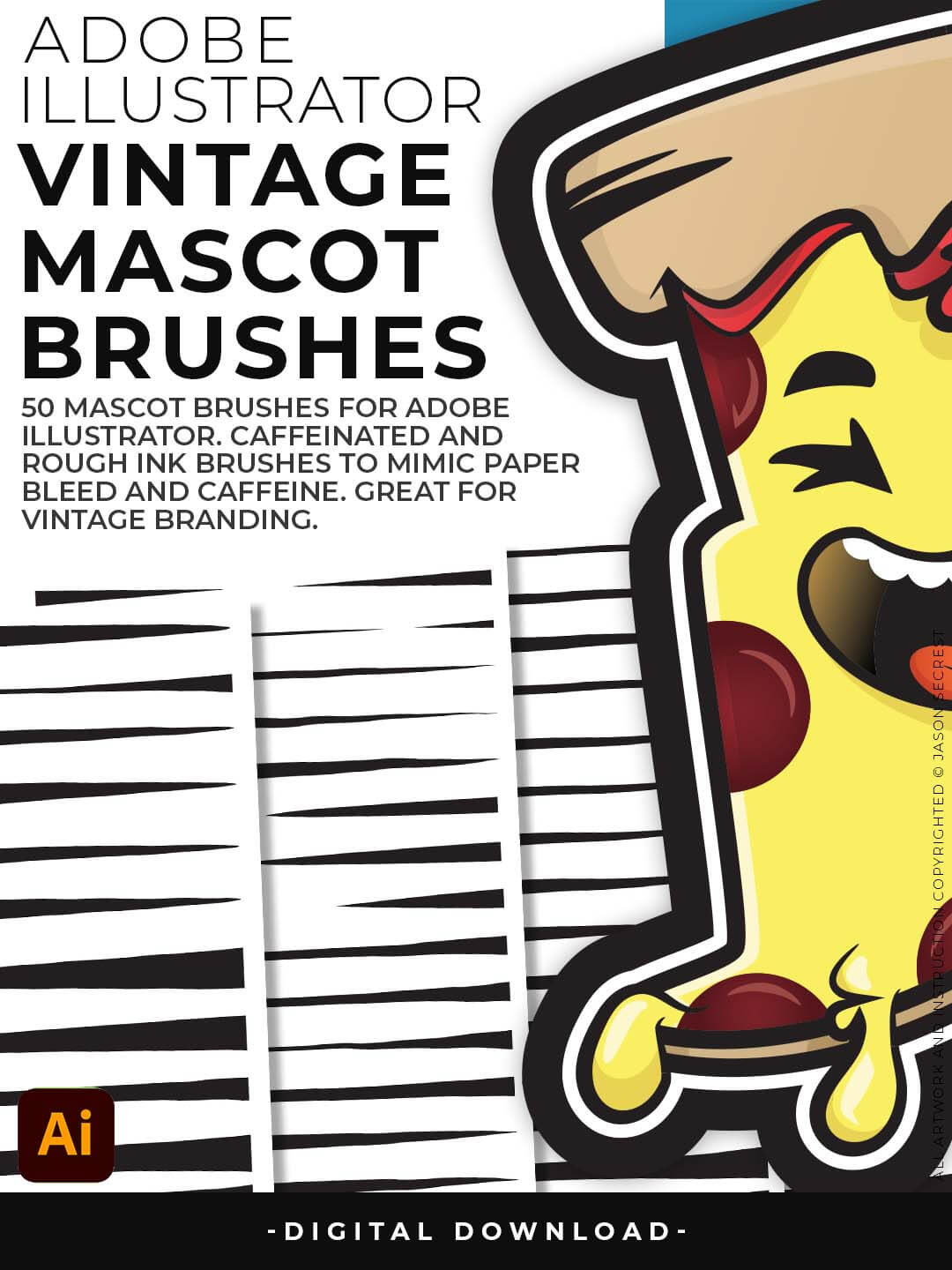
Jittery Hand, Caffeinated Cartoonist + Rough Ink Brushes to Mimic Ink on Paper Bleed and a little Caffeine.
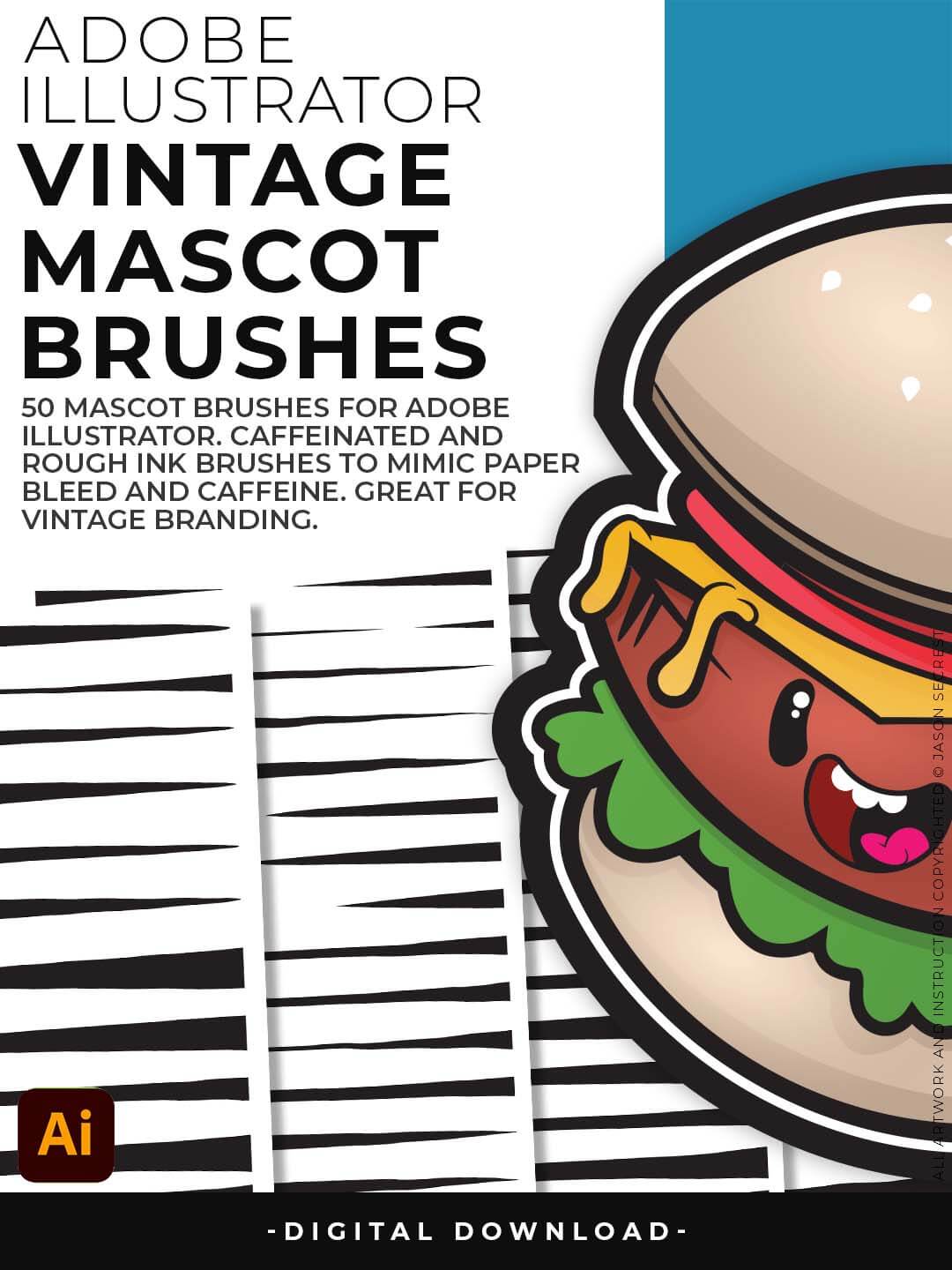
Designed to be a little less stiff with your vector art. Use these Brush Libraries to get more of a distressed look or ink bleed back in your own Vector Artwork.
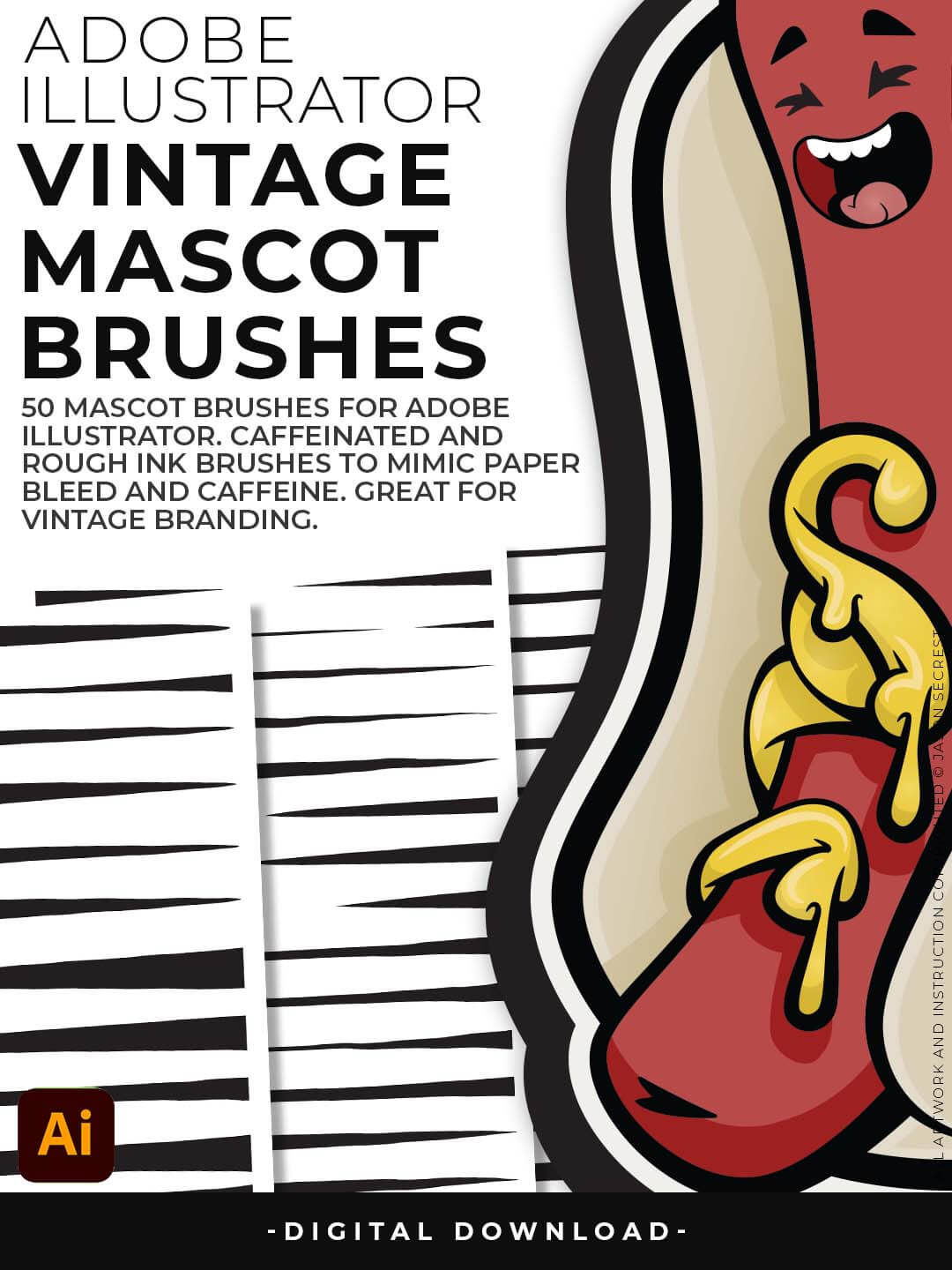
Includes Updated Caffeinated Cartoonist, Rough Ink, and Jittery Hand Brush Libraries.
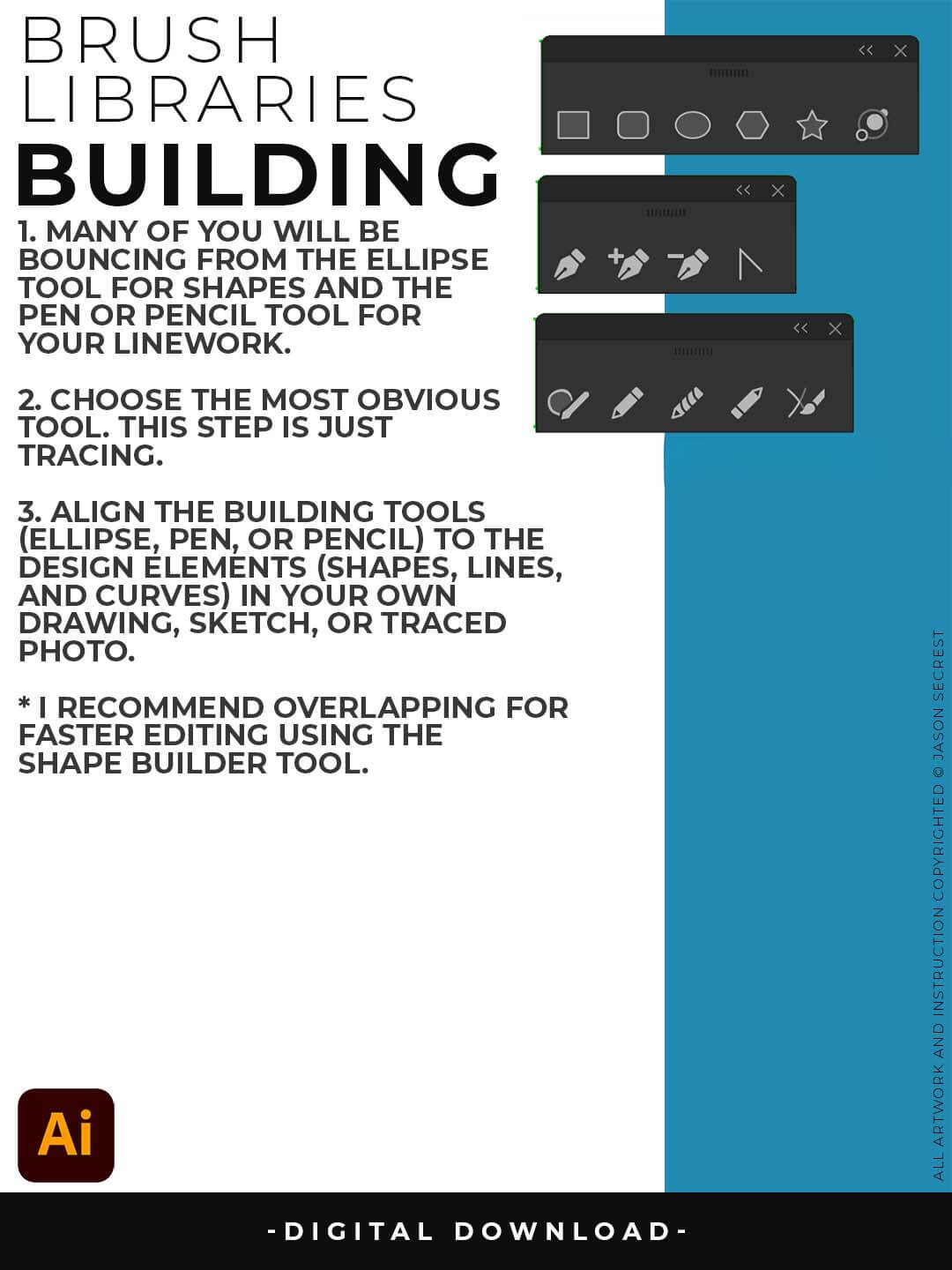
PRIMARY BUILDING: Many of you will use Shape, Pencil, and Pen Tools as your Primary Building Tools. Understand the Building Tools and Options in Adobe Illustrator. Align the Building Tools (Ellipse, Pen, and Curvature Tools) to the Design Elements (Shapes, Lines, and Curves) in your own drawing or sketch.
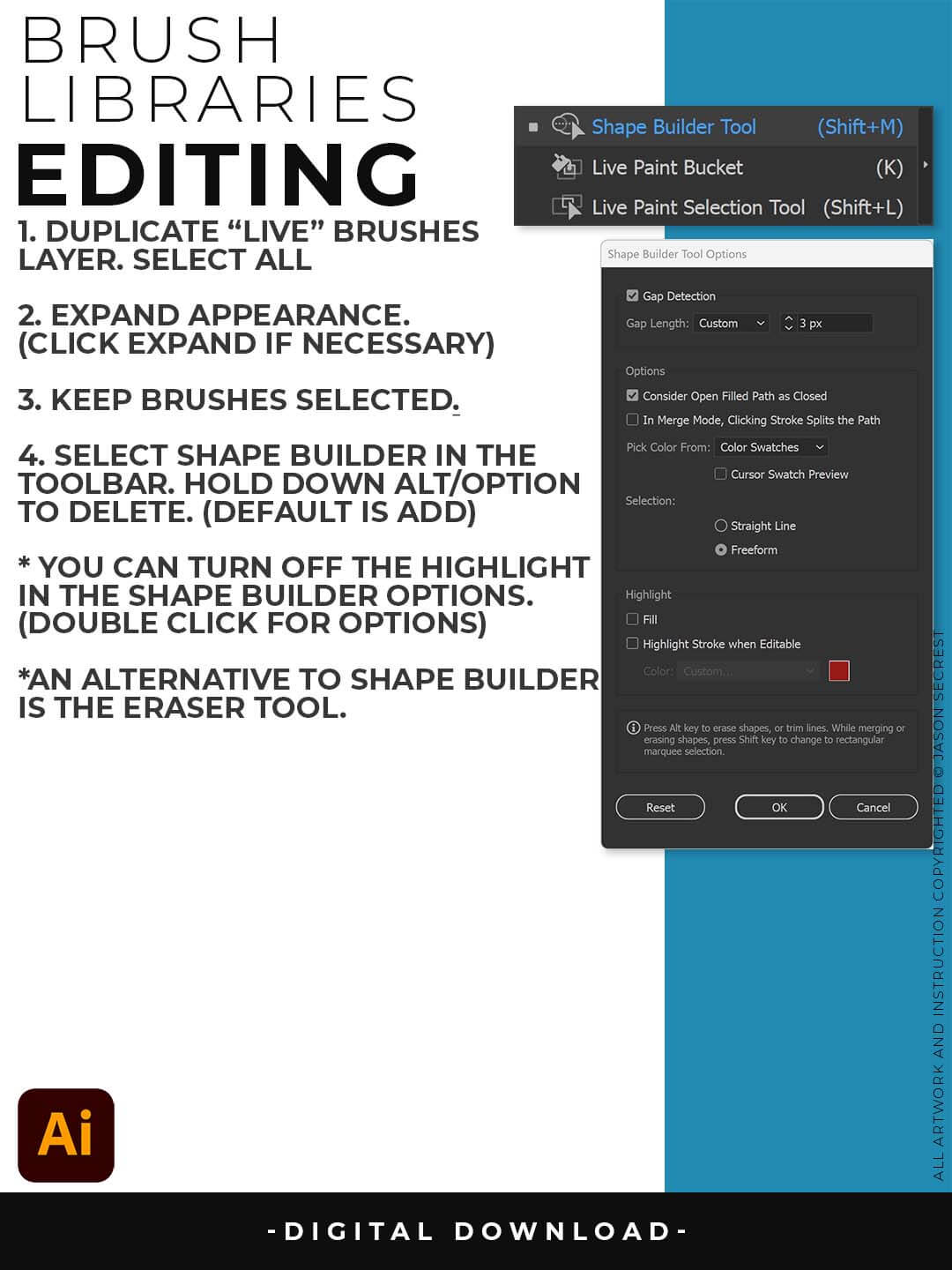
EXPANDED EDITING: To use Shape Builder, you must Duplicate and Expand the Brush Layer. Select All - Expand (Expand Appearance). I recommend duplicating the Brushes Layer to preserve a Live Brush Layer for future edits. Go long with your initial paths to create a larger target for editing with Shape Builder.