



Comic Strip Brush Library for Adobe Illustrator
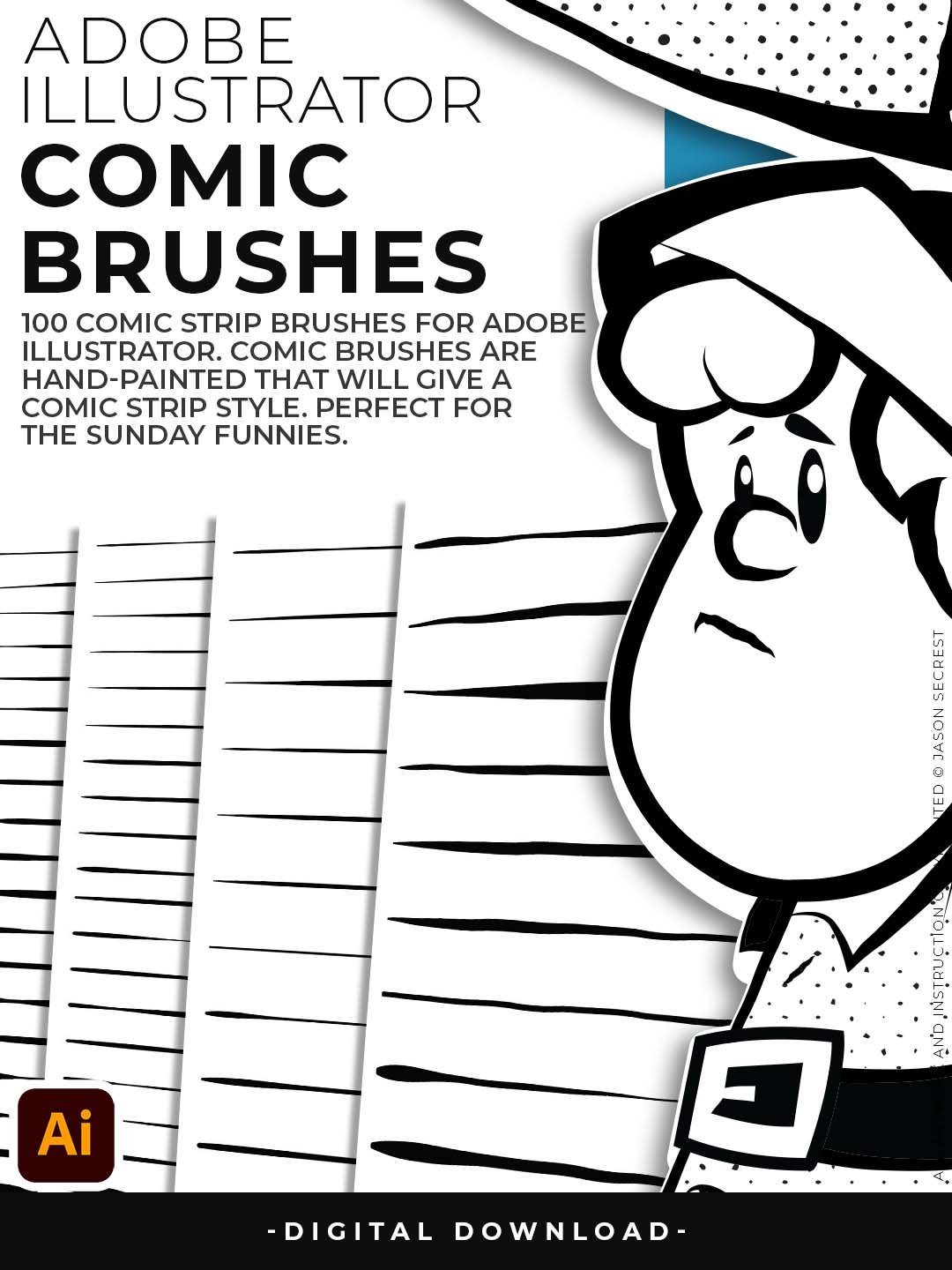
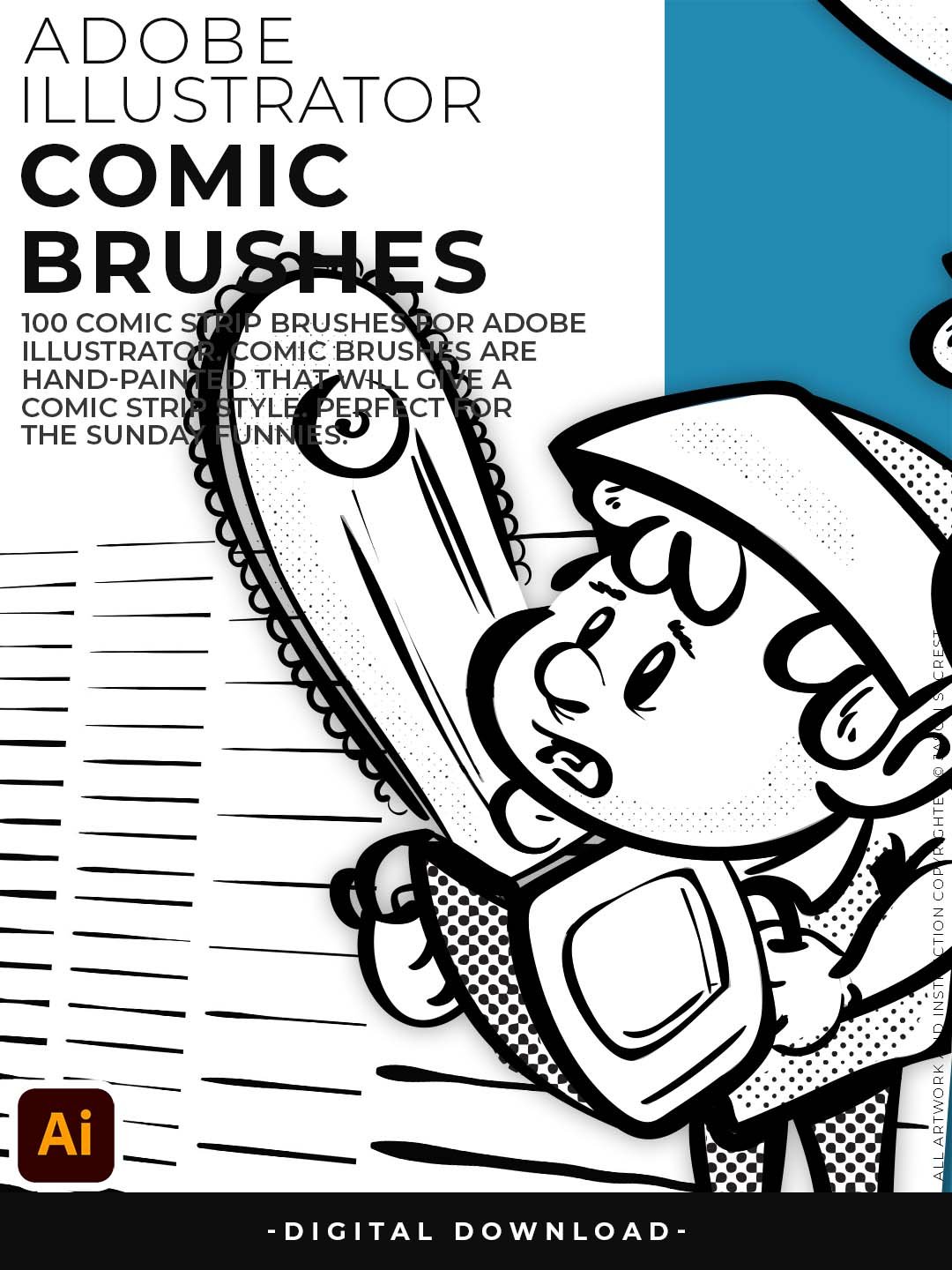
— 100 Professional Inking Brushes for Comic and Character Illustration. If you grew up flipping through Sunday comics and wondering how to recreate that look digitally — this brush library is the shortcut you've been missing. These 100 brushes were built to replicate the weight, variation, and character of hand-inked comic art, all inside Adobe Illustrator's vector environment.
Four brush sets cover the full range of comic styles: the Comic Strip set handles bold panel outlines and expressive character lines; Hand-Painted adds loose, gestural strokes for covers and splash pages; Paintbrush gives you mid-weight versatility; and Fine Liner brings precision for detail work, cross-hatching, and tight inking. Whether you're building a webcomic, doing editorial illustration, or designing retro-flavored branding, this library gives you the marks that make it feel real.
Comic Strip Brushes
- 100 brushes across four distinct sets — Comic Strip, Hand-Painted, Paintbrush, and Fine Liner — so every panel style is covered
- Get that classic, lived-in newspaper comic look without scanning a single ink drawing
- Fine Liner brushes are perfect for tight detail work; Hand-Painted set adds expressive, organic energy to any piece
- Designed for comic panels, sequential art, editorial illustration, and character sheets
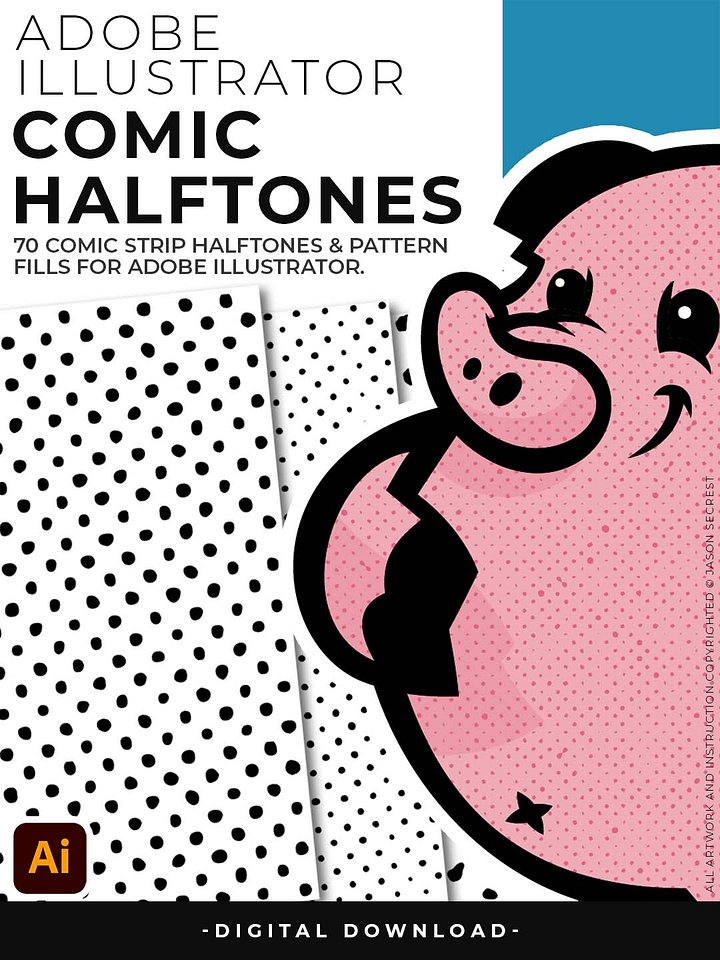
- Pairs perfectly with the Comic Halftone pack for a complete vintage comic workflow
Digital Downloads
- After purchase, you’ll receive an email with your download link. (only available through our YouTube Shop powered by Fourthwall).
- If you don’t see the email, please check your spam or promotions folder.
- Digital Downloads will come as Zipped Folders. Extract all before using in Adobe Illustrator.
- Once you download a file, you will have it forever
- Save or back up Digital Downloads to an external hard drive or cloud-based storage service.
- Use with your own artwork and designs.
STEP #1:
Download our Cartoon, Comic Strip, and Vintage Mascot Brush Libraries. Adobe Illustrator Brushes will come to you as Zipped Folders. Extract All before using in Adobe Illustrator.
STEP #2:
Once you have downloaded and extracted the Brush Libraries, they are ready to be used in Adobe Illustrator. Save all files to an external hard drive or cloud-based storage.
STEP #3:
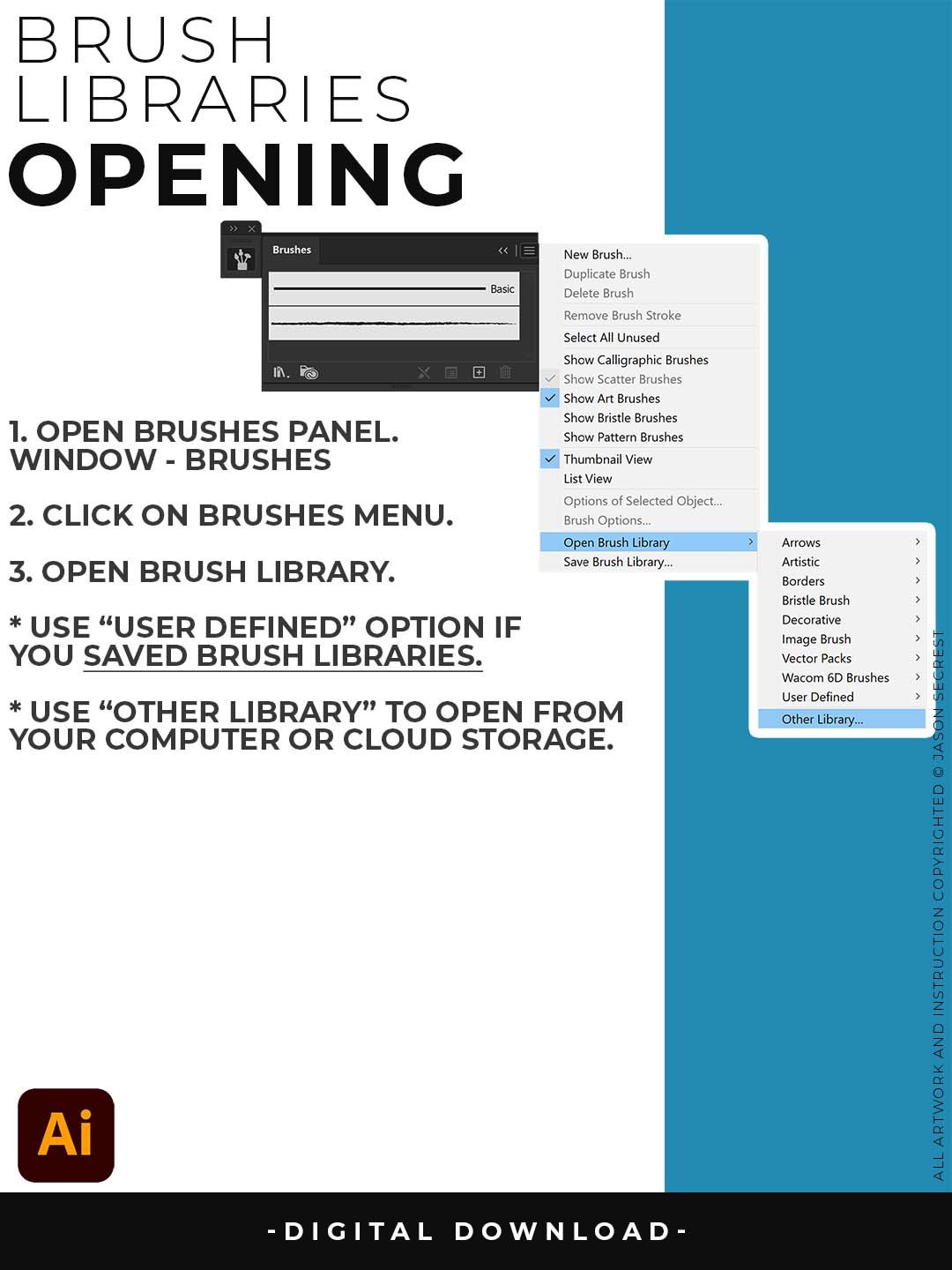
Open Brush Libraries through the “Other Library” Option in the Brushes Panel in Adobe Illustrator. Adobe Illustrator Brushes have been organized into Brush Libraries for easy application.
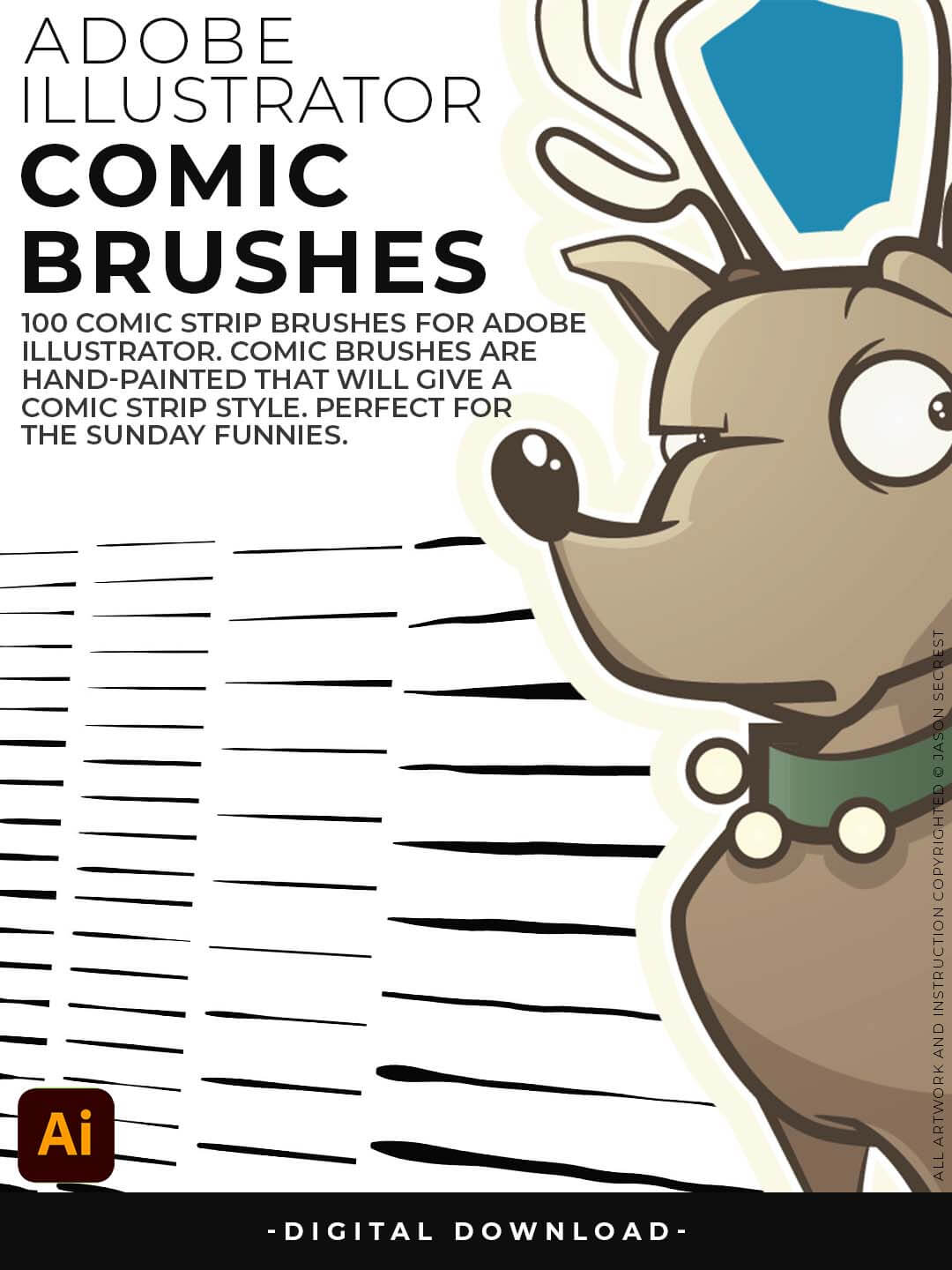
Hand Painted and Comic Strip Brushes to get a lived-in feel back into your Vector Art.

Comic Strip and Hand Painted Brushes are painted based on some of my favorite artists and cartoonists. These brushes are designed to look ready for the Sunday Paper.

Includes Updated Comic Strip, Hand-Painted, Paintbrush, and Fine Liner Brush Libraries.
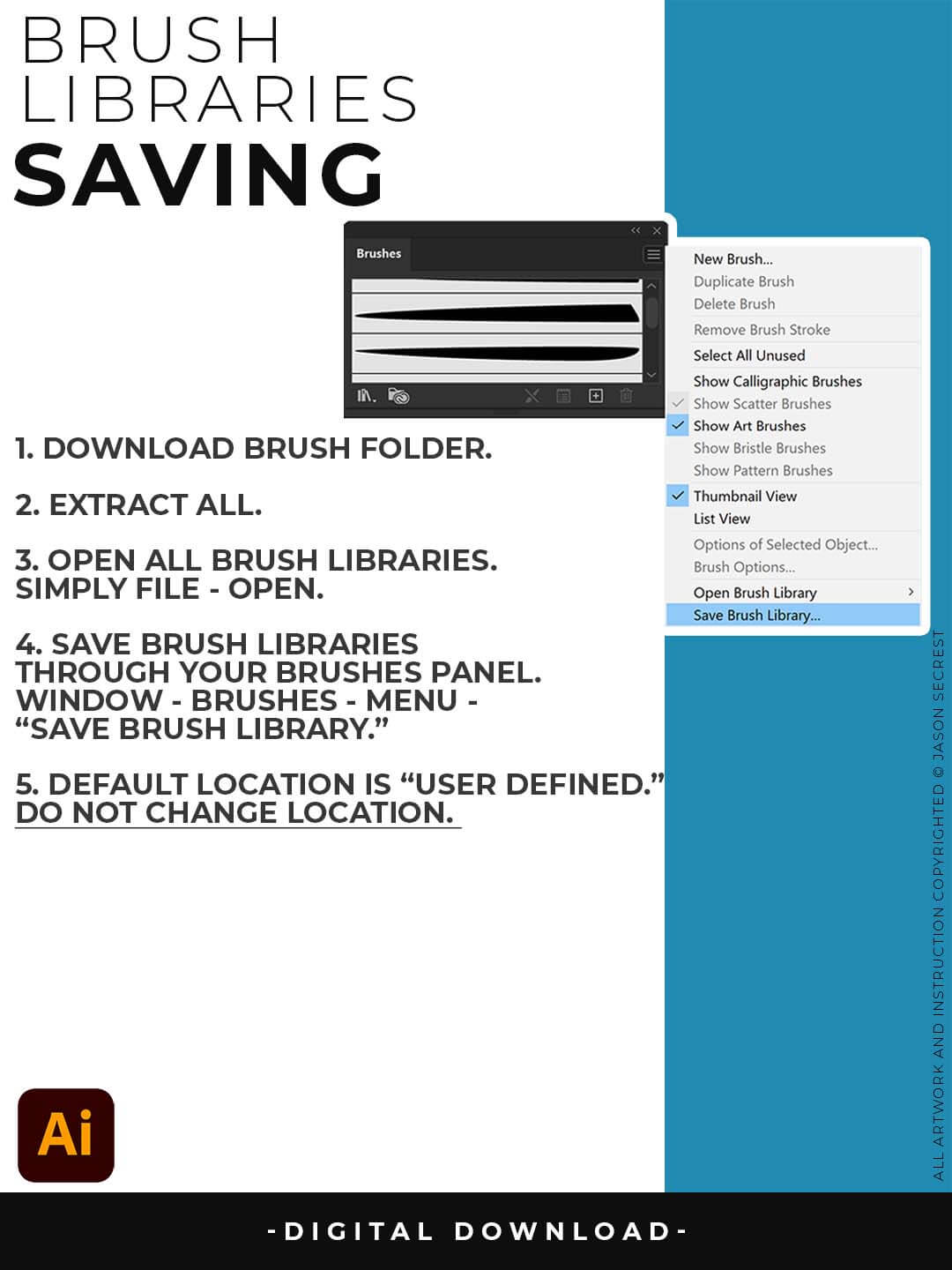
SAVING BRUSHES: Open All of the Brushes Libraries in Adobe Illustrator. (File - Open). Have your Brushes Panel Open. Under Window - Brushes. Click on Each Illustrator Document and Open the Brushes Menu in the Brushes Panel. Scroll down to Click on Save Brush Library. Default Location = User Defined.
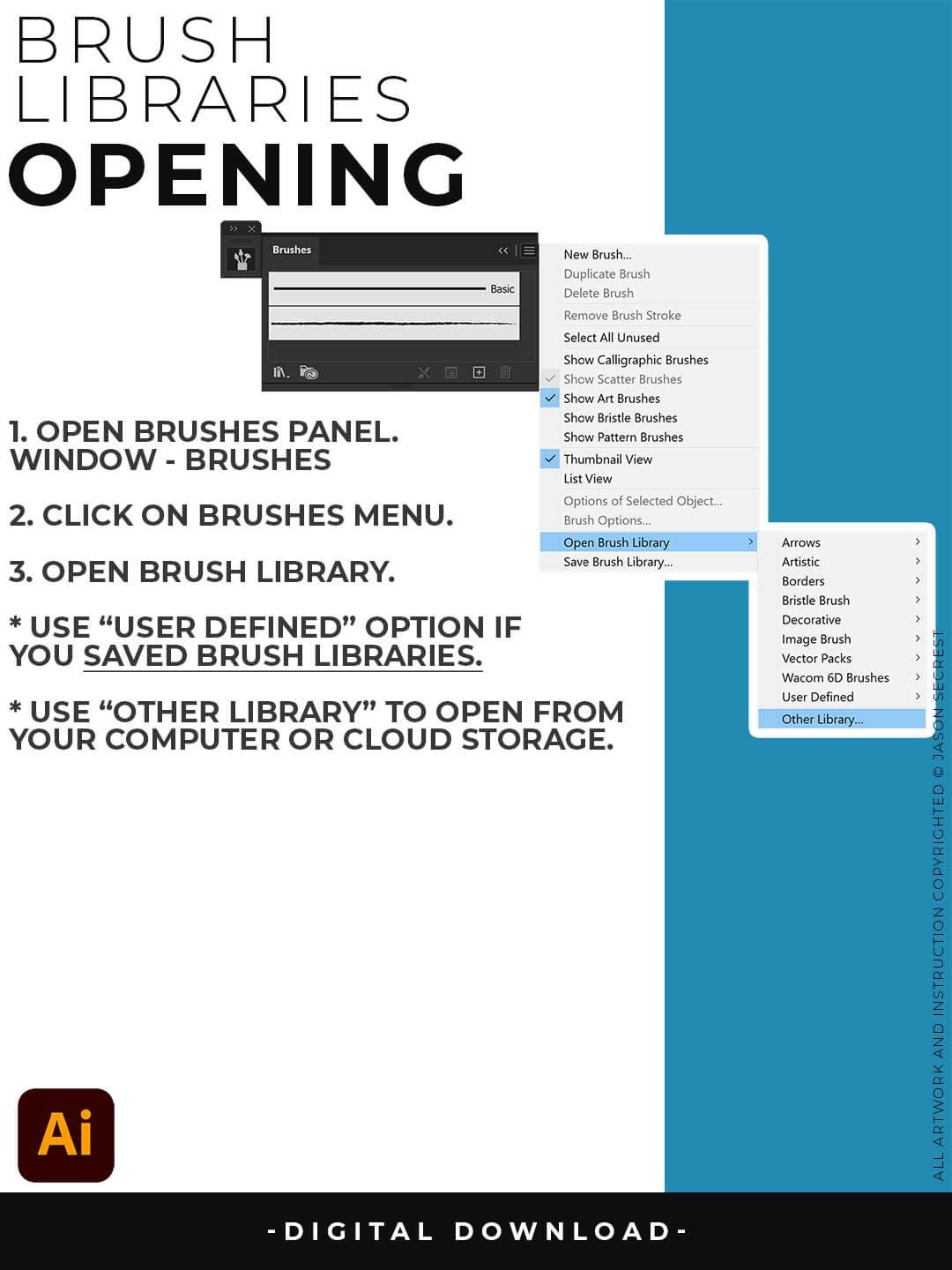
OPENING BRUSHES: Under Window - Select Brushes. In the Brushes Menu, drop-down to Open Brush Library. Hover over it and select "Other Library." A Normal Open Dialogue Box will appear to select any Brush Library to use in Illustrator. Almost all of our step-by-step tutorials on YouTube use this method.
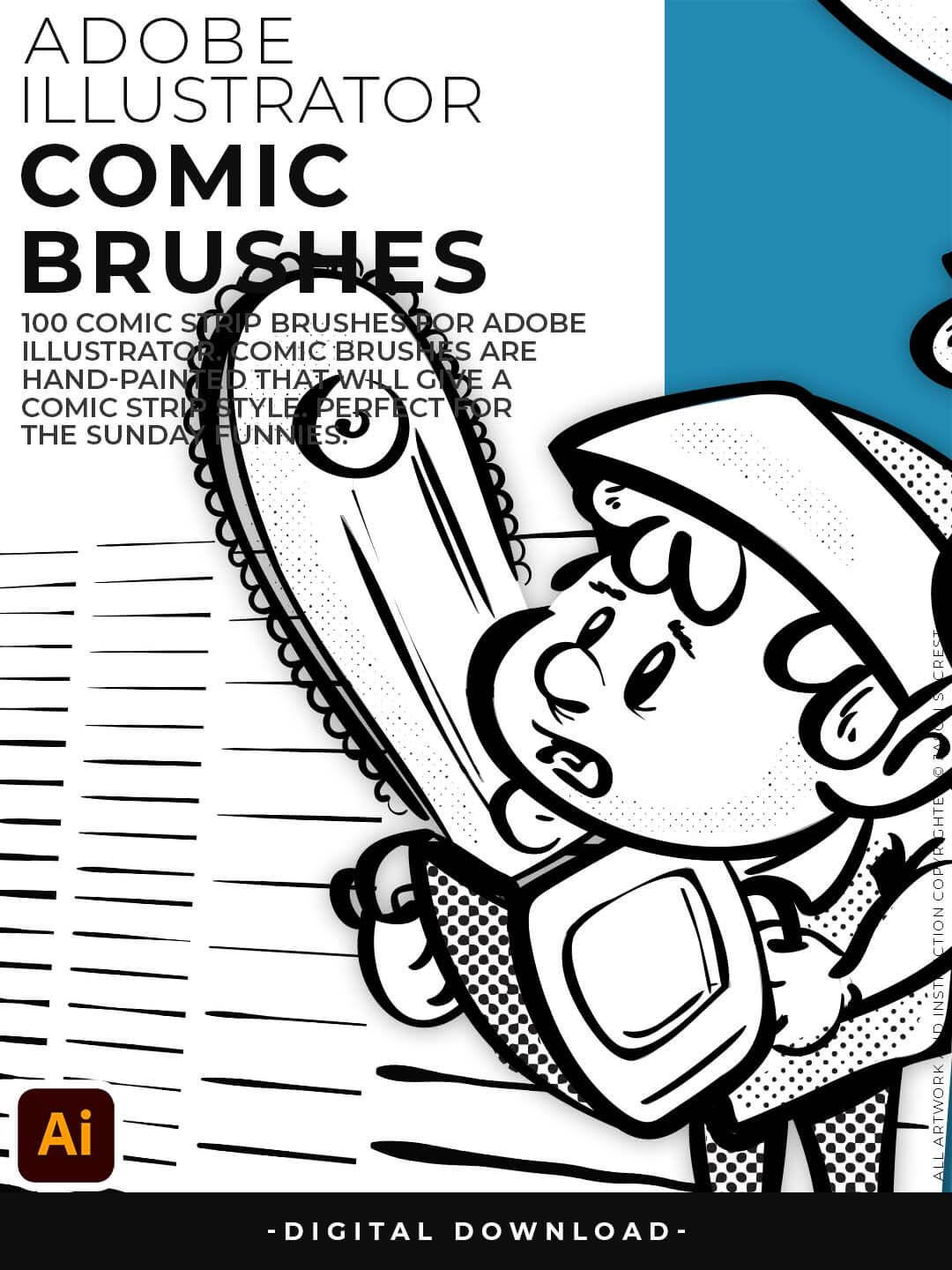
Hand Painted and Comic Strip Brushes to get a lived-in feel back into your Vector Art.
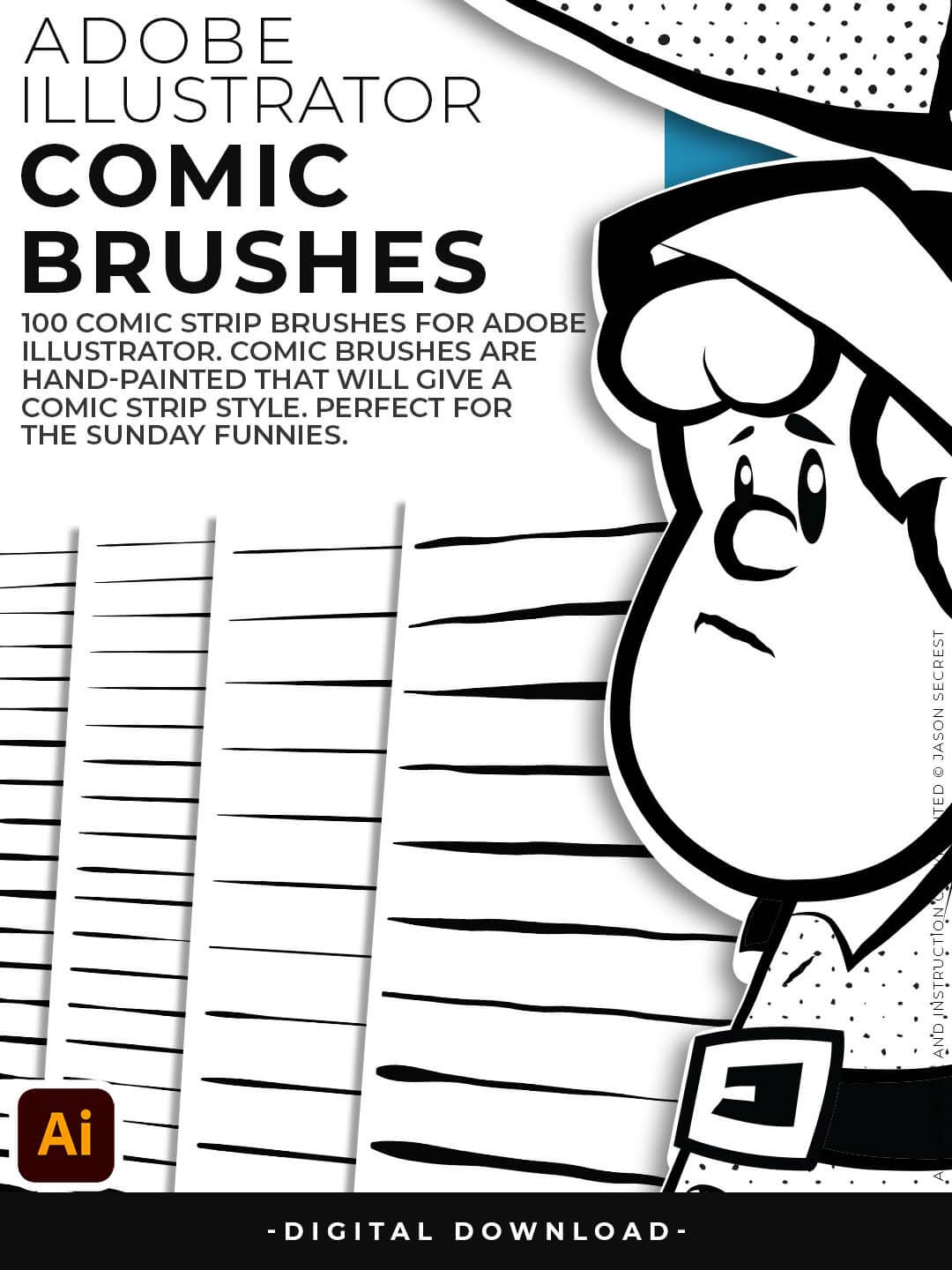
Comic Strip and Hand Painted Brushes are painted based on some of my favorite artists and cartoonists. These brushes are designed to look ready for the Sunday Paper.
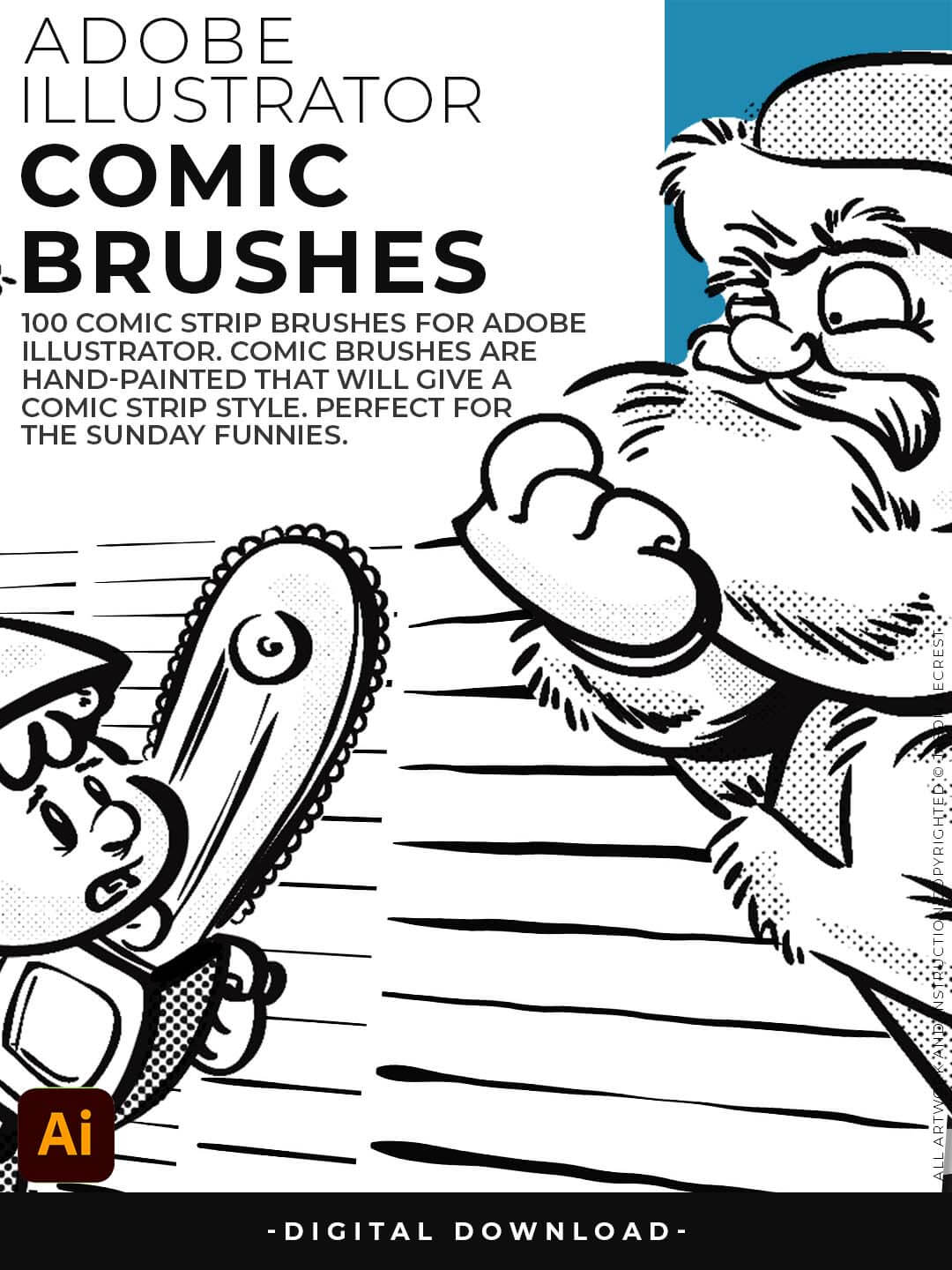
Includes Updated Comic Strip, Hand-Painted, Paintbrush, and Fine Liner Brush Libraries.
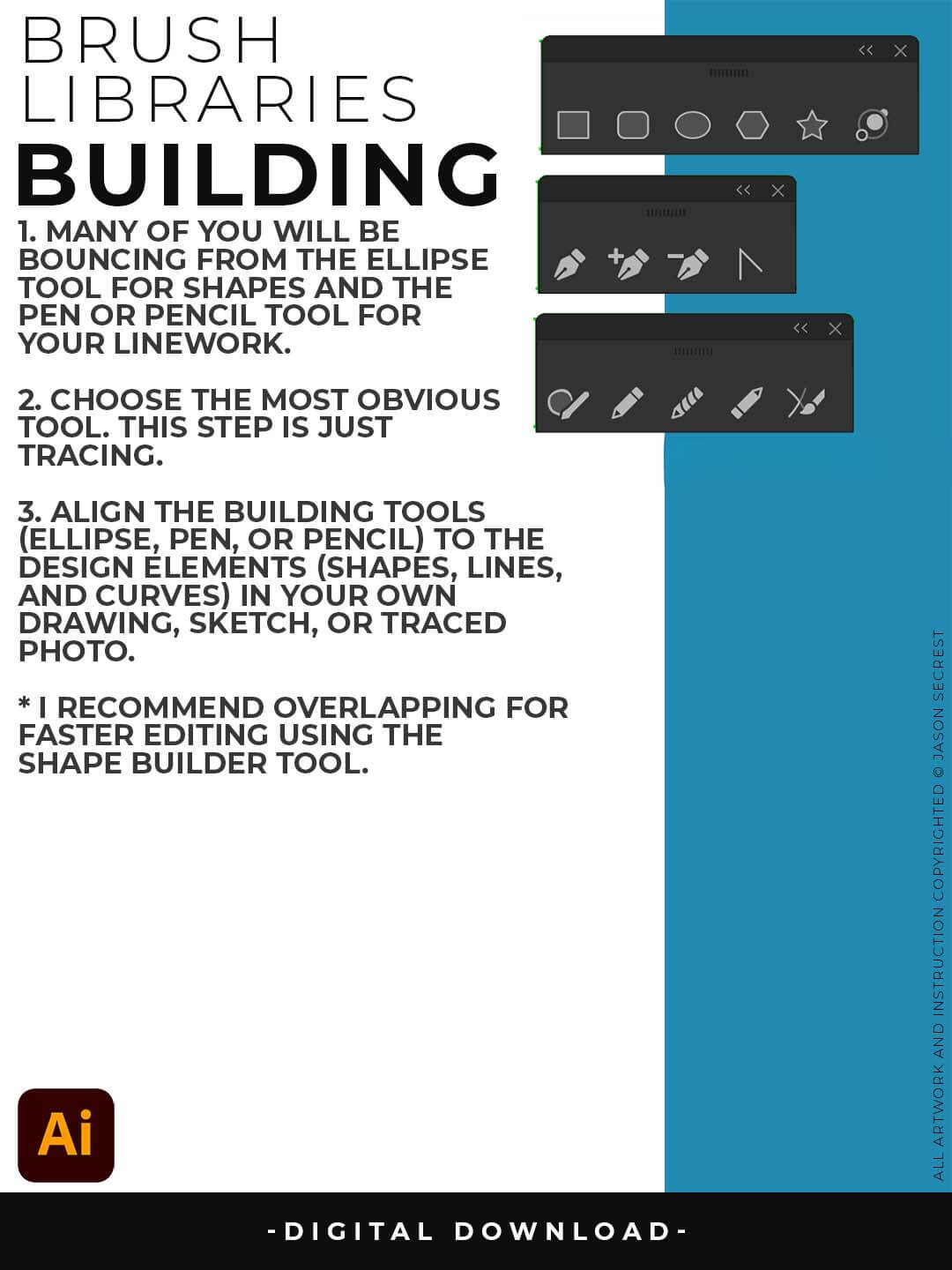
PRIMARY BUILDING: Many of you will use Shape, Pencil, and Pen Tools as your Primary Building Tools. Understand the Building Tools and Options in Adobe Illustrator. Align the Building Tools (Ellipse, Pen, and Curvature Tools) to the Design Elements (Shapes, Lines, and Curves) in your own drawing or sketch.
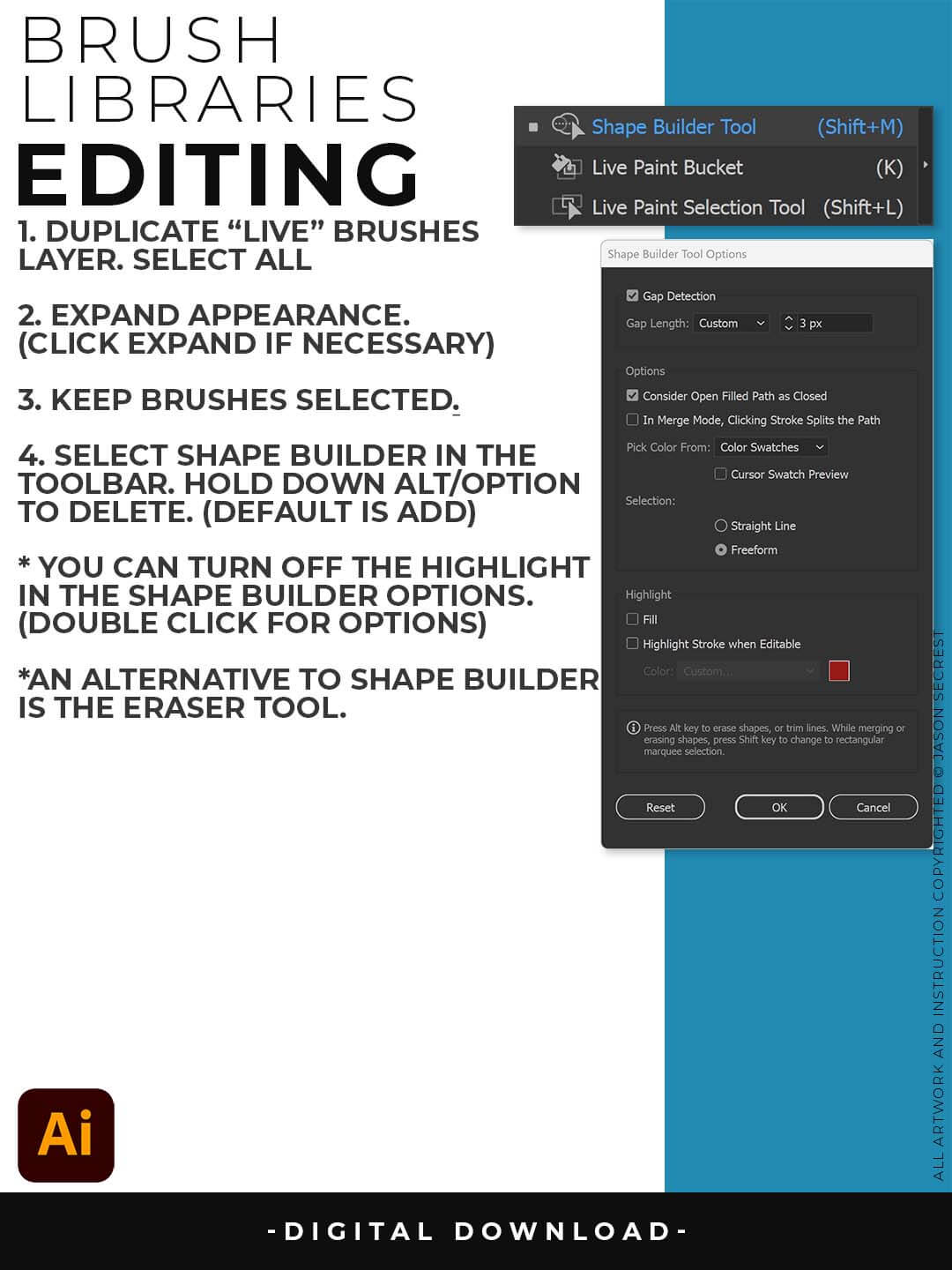
EXPANDED EDITING: To use Shape Builder, you must Duplicate and Expand the Brush Layer. Select All - Expand (Expand Appearance). I recommend duplicating the Brushes Layer to preserve a Live Brush Layer for future edits. Go long with your initial paths to create a larger target for editing with Shape Builder.